For your mods
Your mod runs your deck from their own Kloot panel.
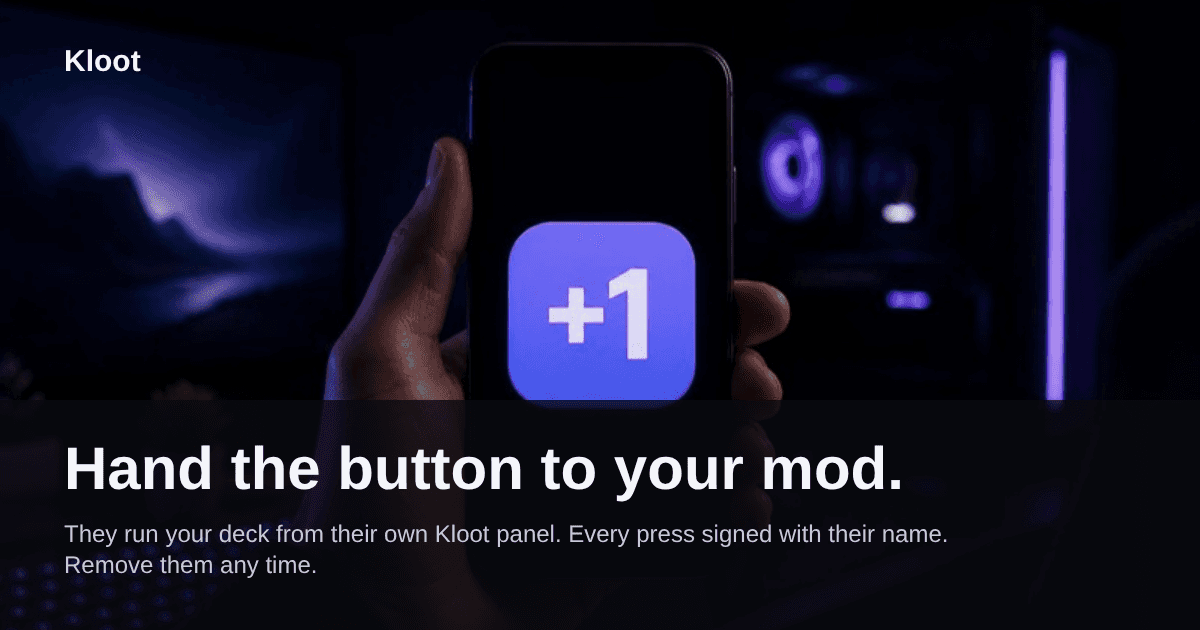
Hand the button to your mod.
Invite them by name, pick a role, send the link. They sign in with Google or Twitch, and your deck shows up as a tab in their panel. Every press is signed with their name. Remove them any time.
Part of Pro. Your mods only need a free Kloot account.
You are Dani, the mod
Press a key on your deck, as Dani.
Watch it
Let your mod run your stream deck.
Their own panel
Your deck is a tab beside theirs. Nothing to install, no shared password.
Signed presses
Every press carries their name, so you always know who called it.
Yours to take back
Remove them and their next press is refused. Their own deck stays theirs.
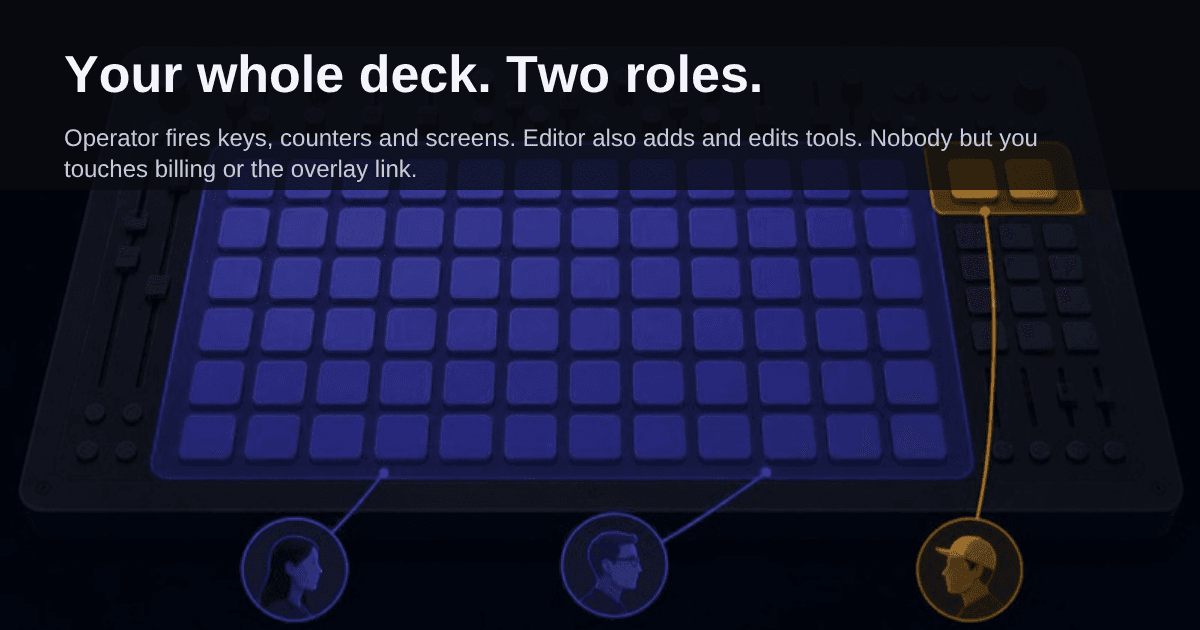
Two roles
Pick what each helper can touch.
Operator
Fires keys, counters, screens. Can spin, reveal or close a giveaway or poll that is already running.
Editor
Also adds and edits tools, looks, text. Can take a key off the deck, never deletes a tool.
Never, for any role
- Billing and your plan
- Your overlay link and tokens
- Approving or rerolling a giveaway winner, or a winner’s contact details
- Sharing your deck with anyone else
Pro includes up to 5 helpers.
The invite
Three steps, and they're in.
- 1
Share, name, role
Click Share in your panel, type their name, pick Operator or Editor.
- 2
Send the link
Works once, for 7 days. Access lasts until you remove them.
- 3
They sign in and accept
Your deck shows up as a tab in their panel.
Sam invited you to run their deck
As an Operator: fire keys, counters, screens.
Accept and open deckSigned in with Google or Twitch
Questions
What streamers ask first.
Does my mod need to pay for Kloot?
No. Your mod needs a free Kloot account and signs in with Google or Twitch. Sharing your deck is part of your Pro plan, and their presses count against your plan, never theirs.
How many people can I share my deck with?
Up to 5 helpers, each as an Operator or an Editor. An invite you have sent but nobody has accepted does not take a seat.
What can a helper never do?
No role can see or change your billing or plan, see your overlay link or tokens, approve or reroll a giveaway winner, see a winner’s contact details, or share your deck with anyone else.
Can my mod press my keys from their phone?
Yes. Your deck is a tab in their own Kloot panel, and the panel works in a phone browser.
What happens when I remove someone?
Their next press is refused, and their panel shows that you removed them within about a second. Their own deck stays theirs.
What if I go back to Free?
Sharing pauses. Nobody is removed: your helpers keep their seat and get access back when you return to Pro.
Your crew runs the deck. You run the game.
Share your deck with up to 5 helpers. Each one signs in, gets a role, and presses for you.
Part of Pro. Your mods only need a free account.