What a death counter really costs
Every death counter is cheap. Most of them cost you an evening. Here's the honest math on Etsy widgets, Streamer.bot add-ons, StreamElements and Kloot — in dollars, hours, and what you can't do with each.
Streamers who sign up from a page like this one press their first bump a median of 2 minutes later. (Measured, not estimated.)
Prices and requirements checked Oct 5, 2026. Sources linked in the table.
The part nobody puts on the listing
A $3.49 widget is a bargain until you read the requirements. Here is what each option actually asks of you before the number shows up on stream.
The cost ladder
Bar = setup time (log scale) · tag = up-front price
Kloot Free
needs a browser tab
2 min$0StreamElements !death
needs three mod commands, no overlay
15 min$0Etsy animated widget
needs Node.js launcher
30–60 min$3.49Etsy kill/death widget
needs a bot for permissions
30–60 min~$18Ko-fi add-on
needs Streamer.bot + 2 plugins + a font
1–2 h$0StreamUP counter
needs Streamer.bot + a DLL
1–2 h£5Streamer.bot DIY
needs actions you write
an evening$0OBS forum guide
needs Python + OCR
an evening+$0
One-time purchases and subscriptions are different things. If you want one counter in one style and nothing else, the widget is cheaper. This table is about everything else.
Death counter widget options compared — price, setup time and what each needs before it works
| Option | Up-front | Ongoing | Setup (est.) | Needs before it works | Mac | Bump from phone | Bump by mods | Per-game counters | Looks |
|---|---|---|---|---|---|---|---|---|---|
| Etsy animated widget (Pixel Knight)source | $3.49 (list $4.99) | none | 30–60 min | Node.js launcher, OBS, plus Stream Deck / Touch Portal / Streamer.bot or OBS Interact hotkeys | Yes | No | No | No — one style per purchase | One, as bought |
| Etsy kill/death widget + boss timersource | ~$18 | none | 30–60 min | OBS; role permissions via your bot | Yes | No | Chat (if you wire a bot) | Yes | One pack |
| Ko-fi "Advanced Death Counter"source | $0 | none | 1–2 h | Streamer.bot 0.2.8+, OBS 31+, Move Transition plugin, ShaderFilter plugin, Impact font | No (Windows) | No | Only if you build it | Only if you build it | Customisable if you edit assets |
| StreamUP per-game countersource | £5 | none | 1–2 h | Streamer.bot 1.0.4+, StreamUP DLL 3.1.0.0, Twitch | No (Windows) | No | Yes (chat commands) | Yes | Customisable overlay |
StreamElements !deathsource | $0 | none | 15 min | Three custom commands at Moderator level | Yes | No | Yes (chat) | Manual via $(count name) | None — chat reply only, no overlay |
| Streamer.bot DIYsource | $0 | your time | an evening | Windows, OBS WebSocket, actions you write | Experimental (Whisky) | No | If you build it | If you build it | Whatever you build |
| OBS forum "automatic" guidesource | $0 | your time | an evening+ | Python 3, Tesseract OCR, Streamer.bot, admin install | Windows | No | n/a | No | Text source |
| Kloot Free | $0 | none | 2 min (median, measured) | A browser tab | Yes | Yes | On Pro (share your deck) | 1 counter | Default style |
| Kloot Pro | $9/mo or $79/yr (first 250 members: $49/yr) | subscription | 2 min | A browser tab | Yes | Yes | Yes (phone links for mods) | Yes — segments per boss / game | All skins, milestones |
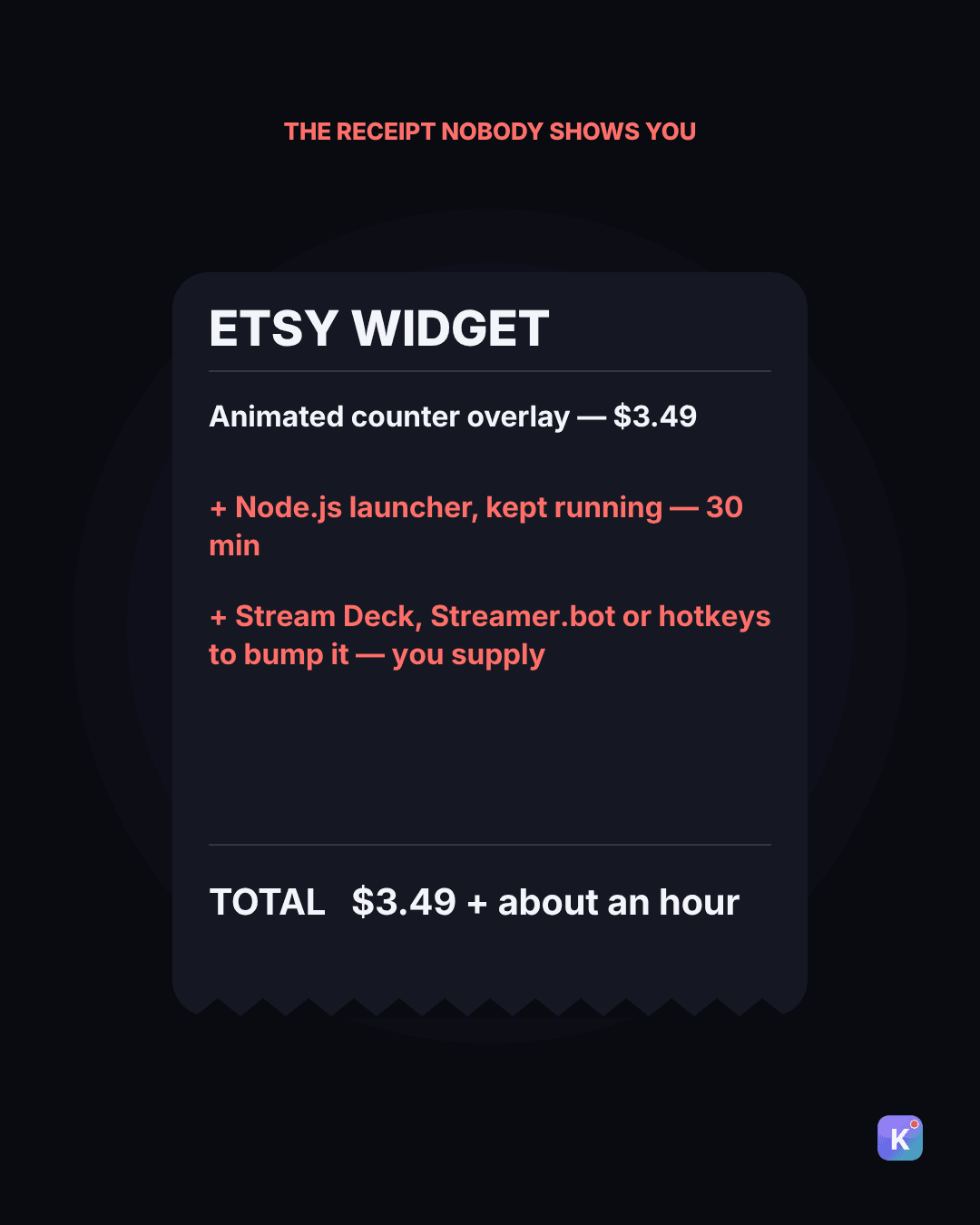
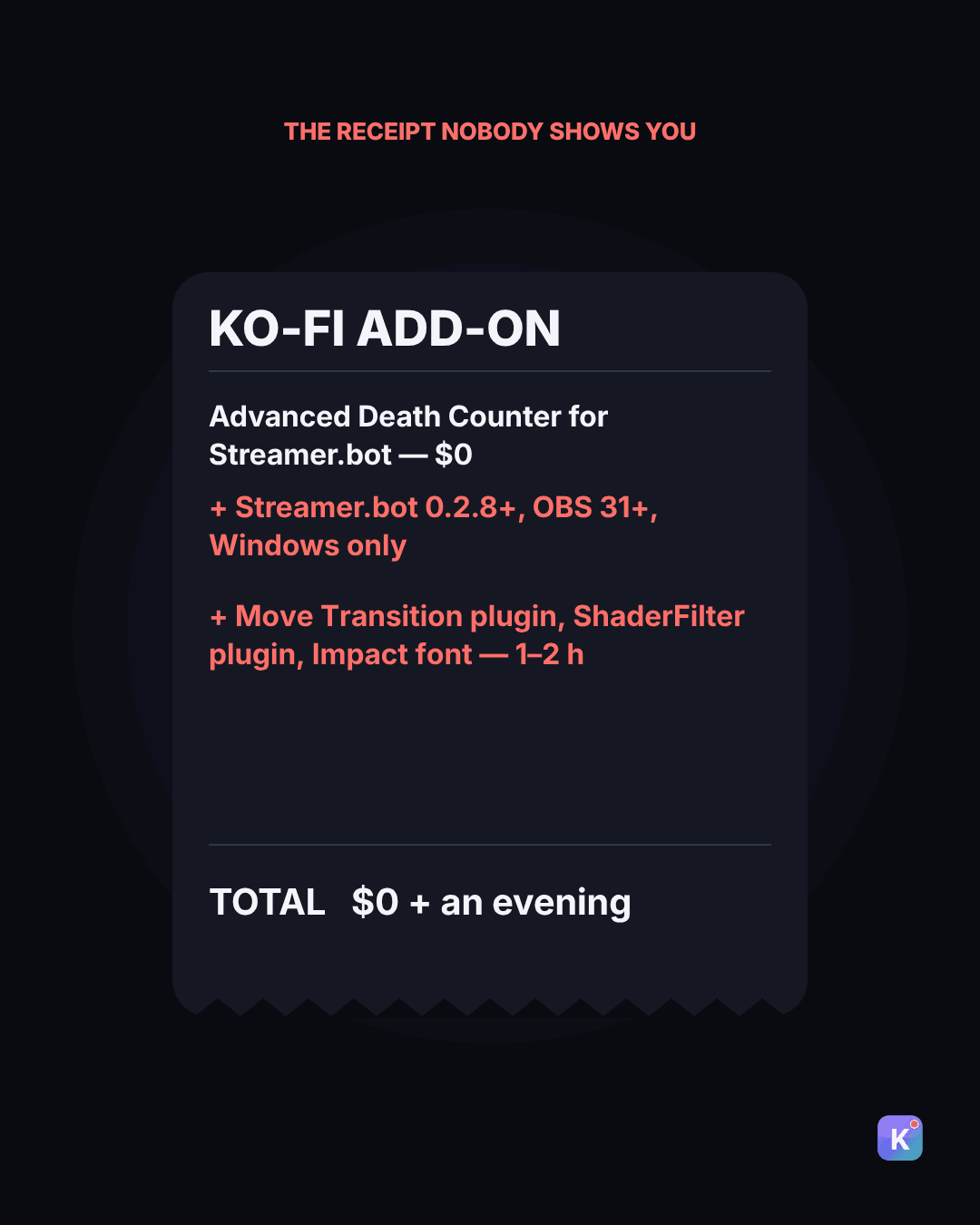
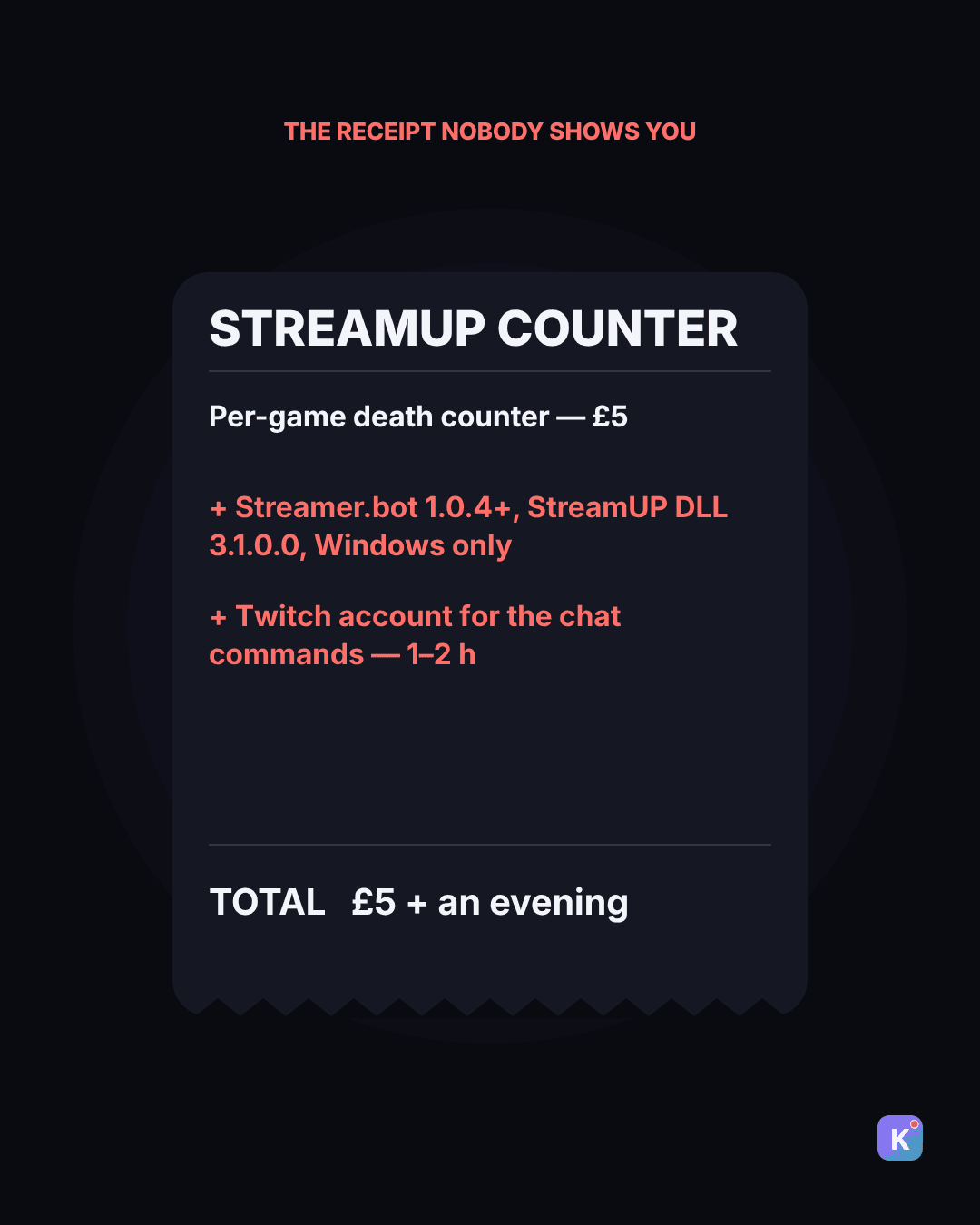
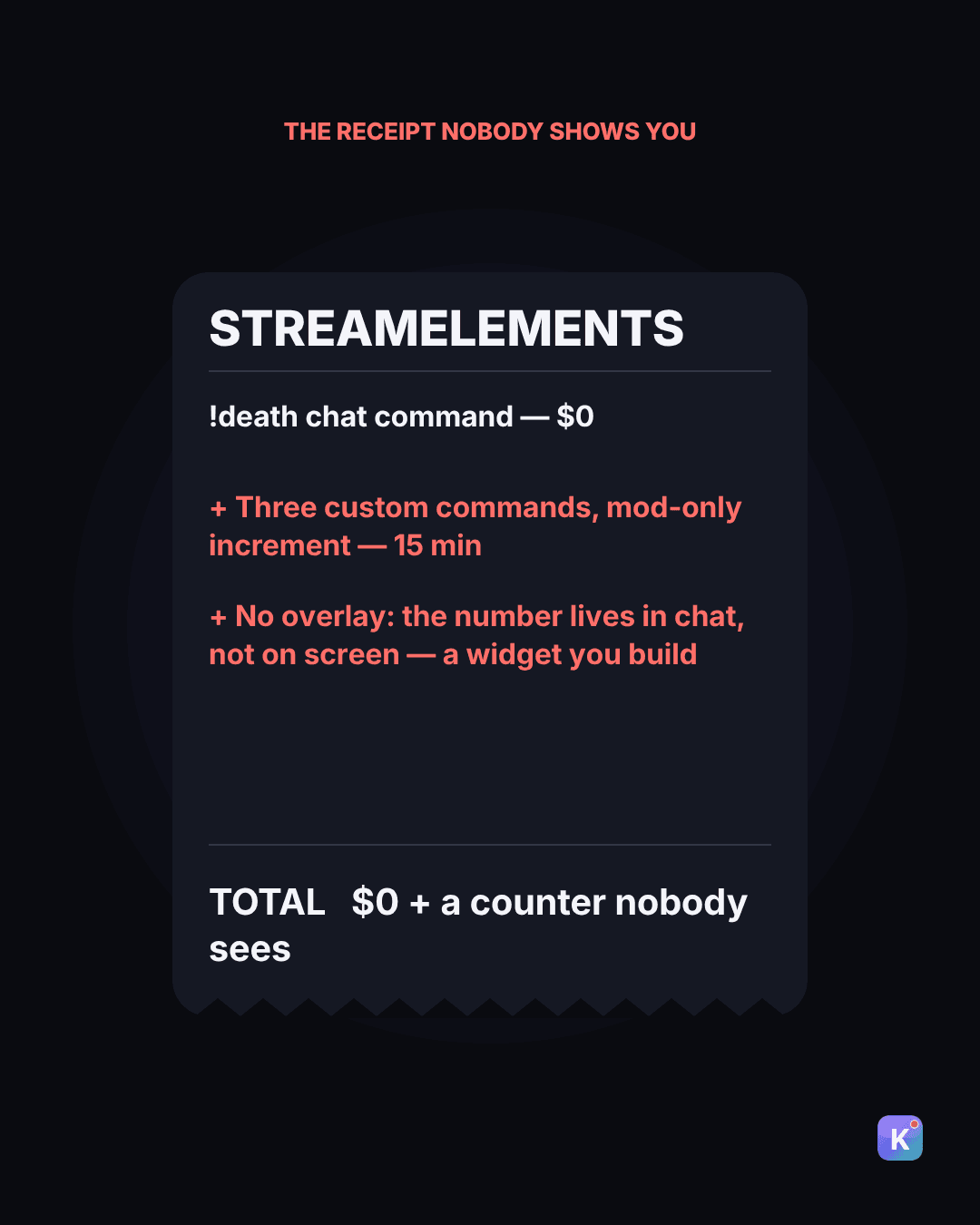
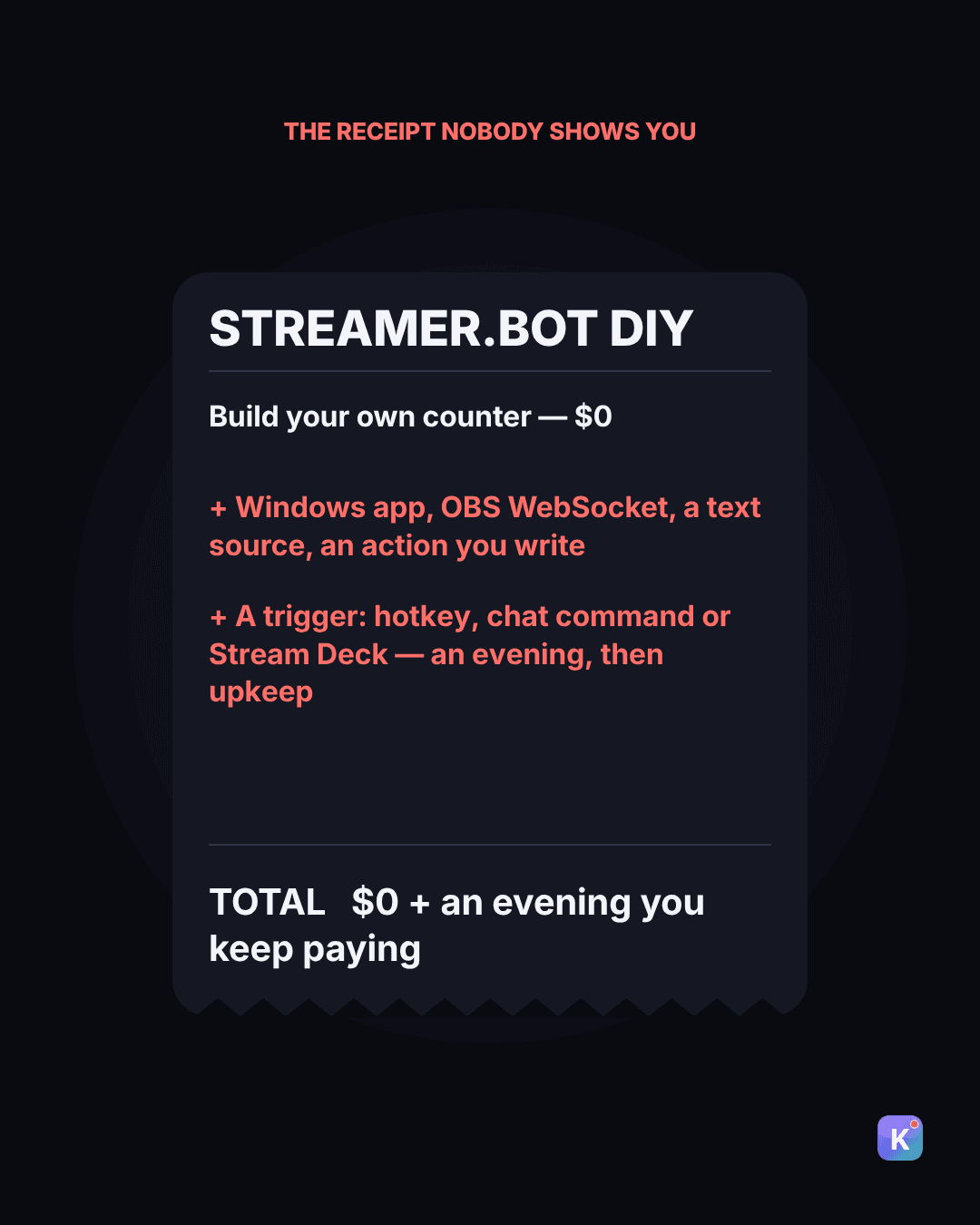
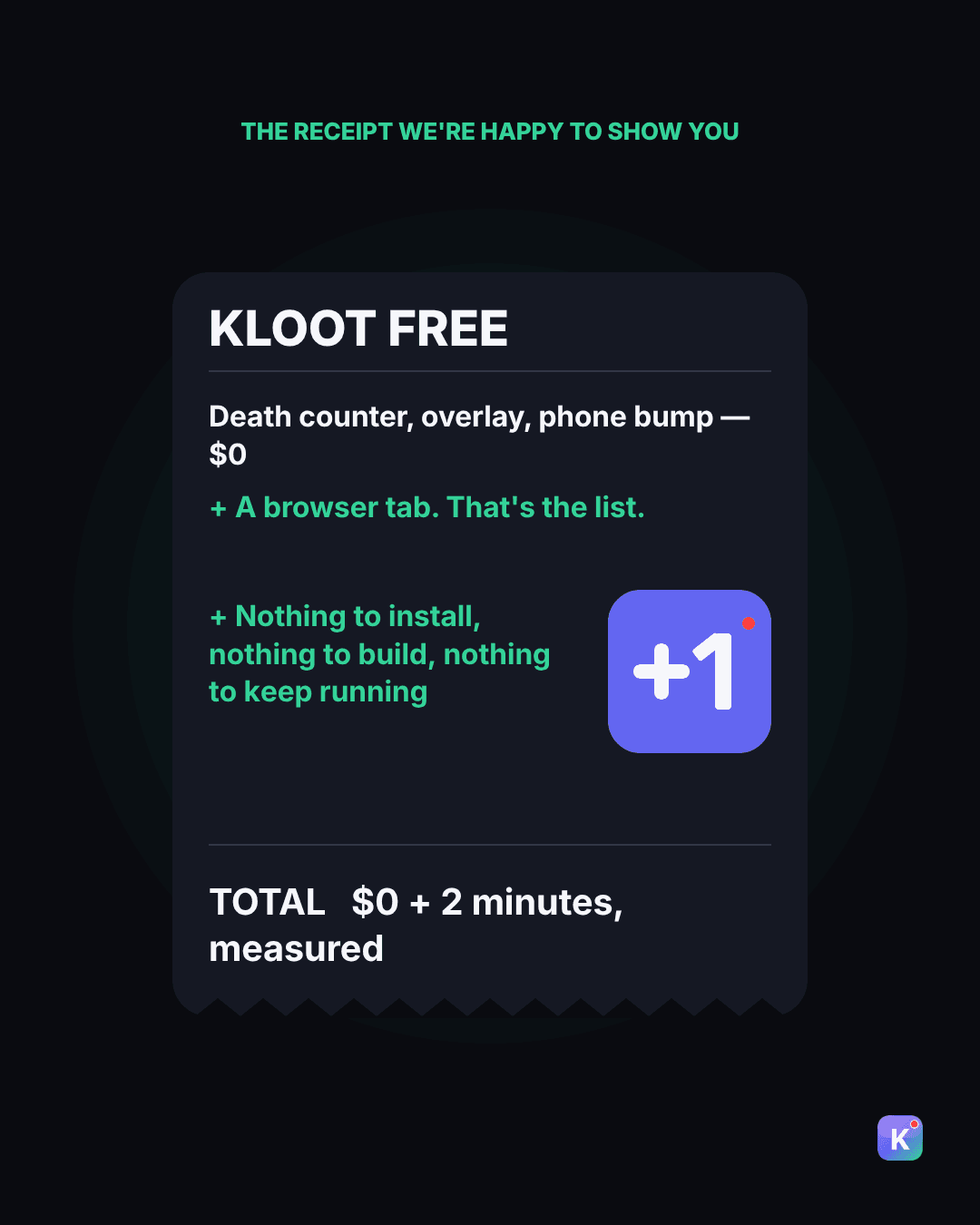
Swipe the receipts · every option, every column below
Etsy animated widget (Pixel Knight)
$3.49 (list $4.99)- Ongoing
- none
- Setup (est.)
- 30–60 min
- Needs before it works
- Node.js launcher, OBS, plus Stream Deck / Touch Portal / Streamer.bot or OBS Interact hotkeys
- Mac
- Yes
- Bump from phone
- No
- Bump by mods
- No
- Per-game counters
- No — one style per purchase
- Looks
- One, as bought
Etsy kill/death widget + boss timer
~$18- Ongoing
- none
- Setup (est.)
- 30–60 min
- Needs before it works
- OBS; role permissions via your bot
- Mac
- Yes
- Bump from phone
- No
- Bump by mods
- Chat (if you wire a bot)
- Per-game counters
- Yes
- Looks
- One pack
Ko-fi "Advanced Death Counter"
$0- Ongoing
- none
- Setup (est.)
- 1–2 h
- Needs before it works
- Streamer.bot 0.2.8+, OBS 31+, Move Transition plugin, ShaderFilter plugin, Impact font
- Mac
- No (Windows)
- Bump from phone
- No
- Bump by mods
- Only if you build it
- Per-game counters
- Only if you build it
- Looks
- Customisable if you edit assets
StreamUP per-game counter
£5- Ongoing
- none
- Setup (est.)
- 1–2 h
- Needs before it works
- Streamer.bot 1.0.4+, StreamUP DLL 3.1.0.0, Twitch
- Mac
- No (Windows)
- Bump from phone
- No
- Bump by mods
- Yes (chat commands)
- Per-game counters
- Yes
- Looks
- Customisable overlay
StreamElements
$0!death- Ongoing
- none
- Setup (est.)
- 15 min
- Needs before it works
- Three custom commands at Moderator level
- Mac
- Yes
- Bump from phone
- No
- Bump by mods
- Yes (chat)
- Per-game counters
- Manual via
$(count name) - Looks
- None — chat reply only, no overlay
Streamer.bot DIY
$0- Ongoing
- your time
- Setup (est.)
- an evening
- Needs before it works
- Windows, OBS WebSocket, actions you write
- Mac
- Experimental (Whisky)
- Bump from phone
- No
- Bump by mods
- If you build it
- Per-game counters
- If you build it
- Looks
- Whatever you build
OBS forum "automatic" guide
$0- Ongoing
- your time
- Setup (est.)
- an evening+
- Needs before it works
- Python 3, Tesseract OCR, Streamer.bot, admin install
- Mac
- Windows
- Bump from phone
- No
- Bump by mods
- n/a
- Per-game counters
- No
- Looks
- Text source
Kloot Free
$0- Ongoing
- none
- Setup (est.)
- 2 min (median, measured)
- Needs before it works
- A browser tab
- Mac
- Yes
- Bump from phone
- Yes
- Bump by mods
- On Pro (share your deck)
- Per-game counters
- 1 counter
- Looks
- Default style
Kloot Pro
$9/mo or $79/yr (first 250 members: $49/yr)- Ongoing
- subscription
- Setup (est.)
- 2 min
- Needs before it works
- A browser tab
- Mac
- Yes
- Bump from phone
- Yes
- Bump by mods
- Yes (phone links for mods)
- Per-game counters
- Yes — segments per boss / game
- Looks
- All skins, milestones
Three things to notice:
- 1
The free ones aren't free. The most popular free Streamer.bot counter needs Streamer.bot, OBS 31+, two OBS plugins and a specific font before it draws a single digit. The "automatic" guide with 26,000 views needs Python and an OCR engine.
- 2
The cheap ones are cheap per style. Etsy widgets are sold per look and per game. Three games, three styles, three purchases — and each one is a Node.js launcher you keep running.
- 3
None of them solve the real problem. Your game is fullscreen. Your hands are on the controller. The count has to change the second you die. Every option above makes you alt-tab, buy a Stream Deck, or trust chat not to spam
!death.
Two minutes, start to finish
Kloot runs in a browser tab. There is nothing to install, on Windows, Mac, or a Chromebook.
- 1
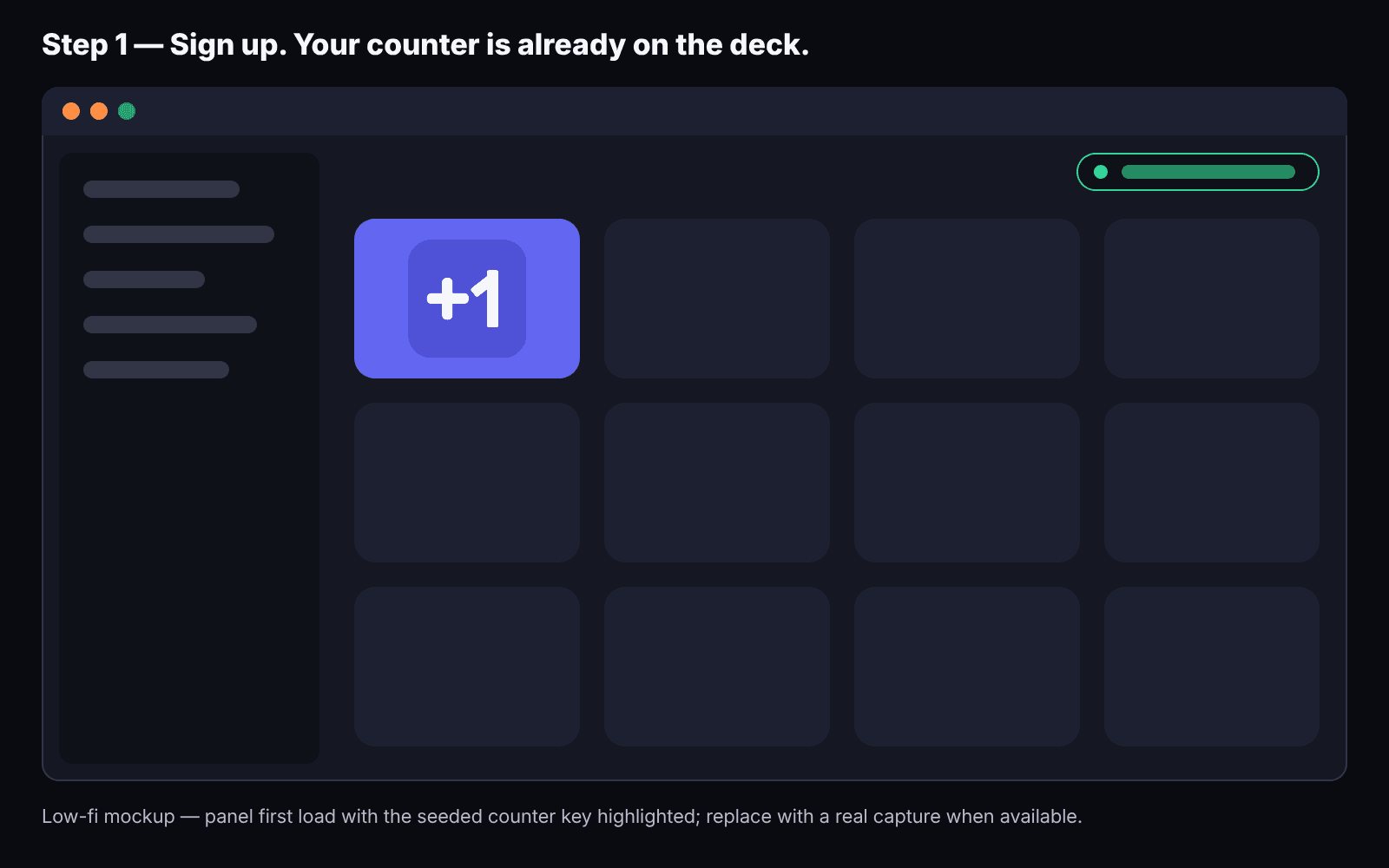
Sign up. Your counter is already on your deck when the panel opens — we seed it because you came from a page about counters.
- 2
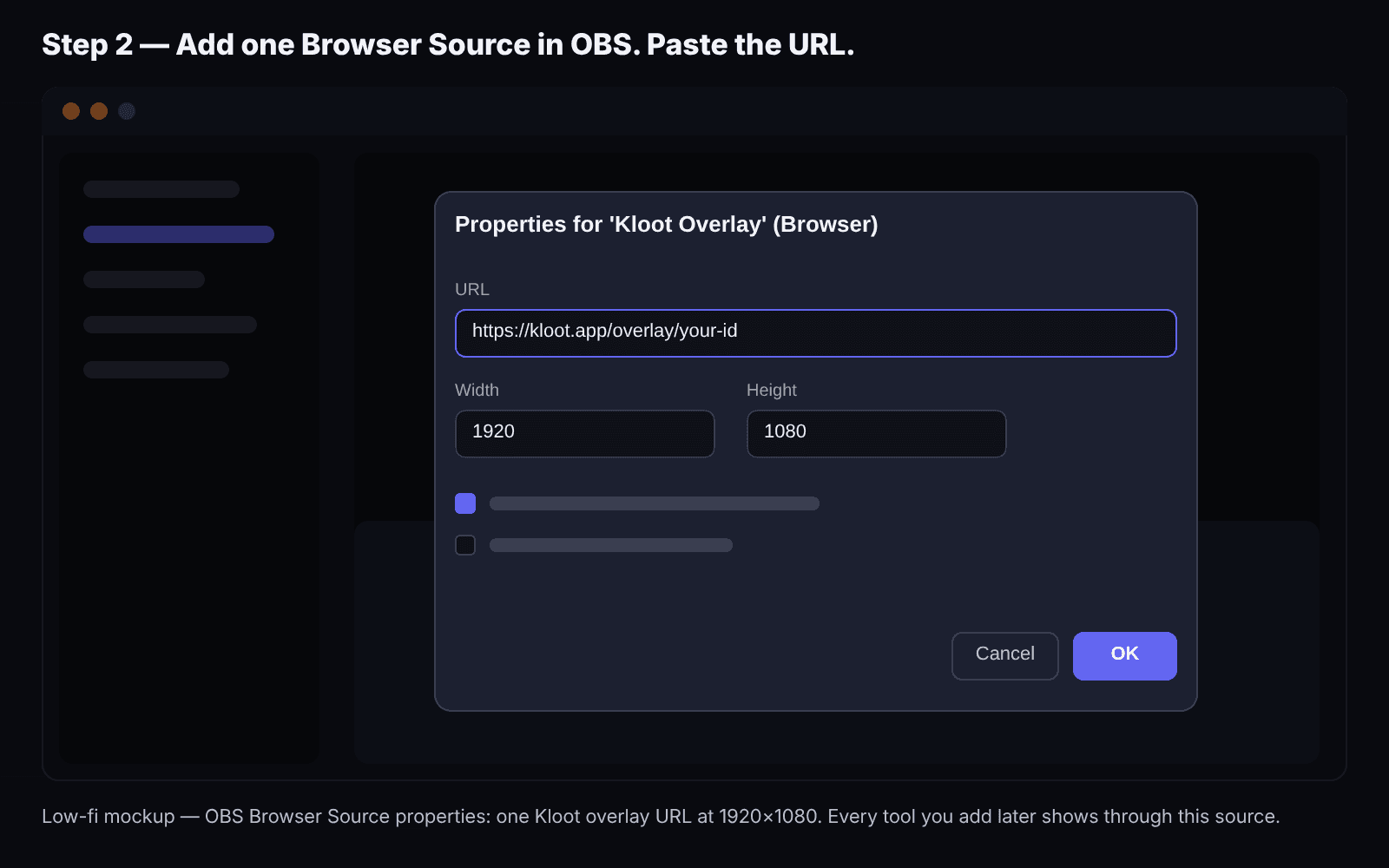
Paste one URL into OBS. Add a Browser Source, paste, done. That URL carries every Kloot tool you'll ever add.
- 3
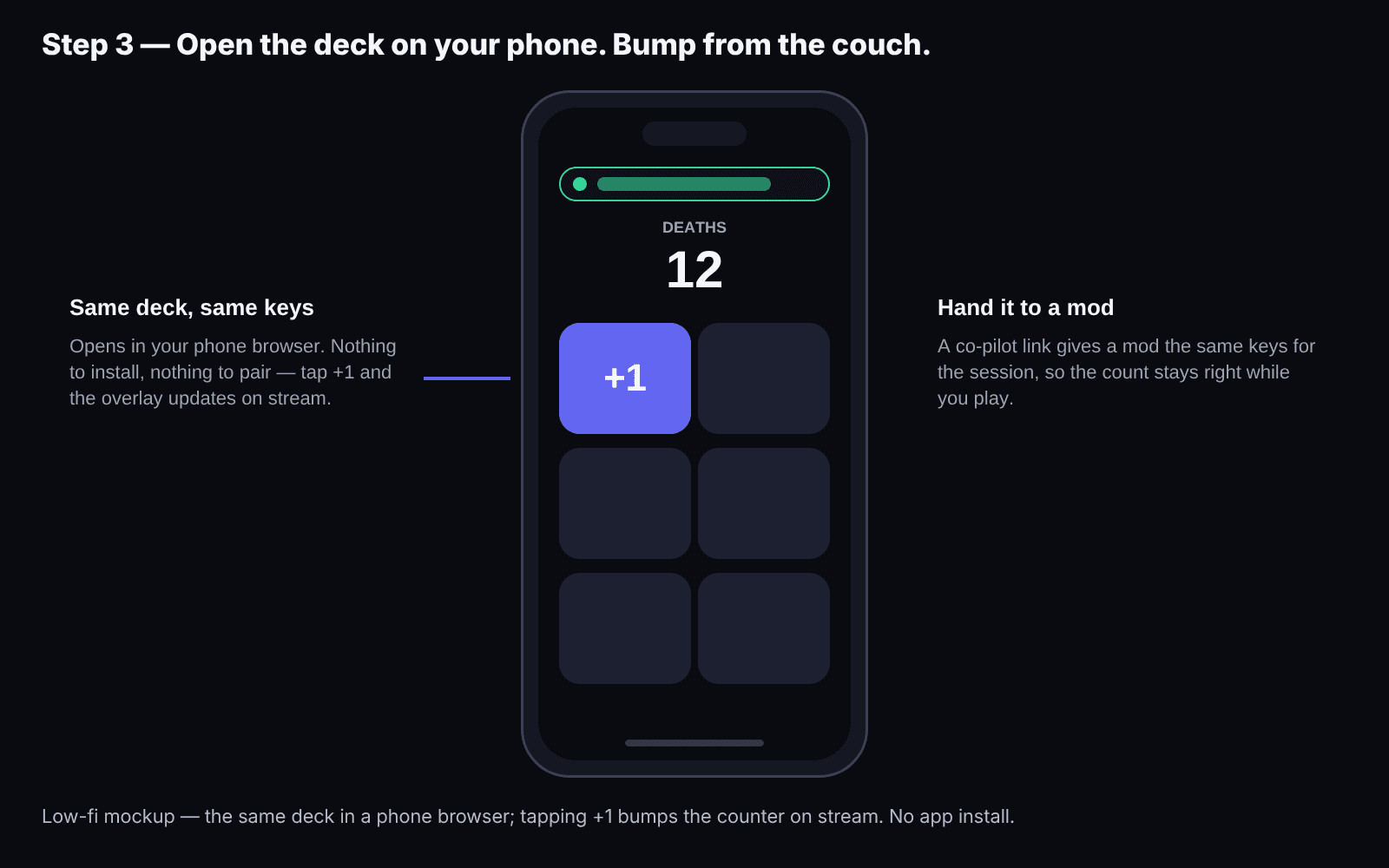
Press +1. On the panel, or on your phone — open the same link on your phone and bump from the couch while the game stays fullscreen.
- 4
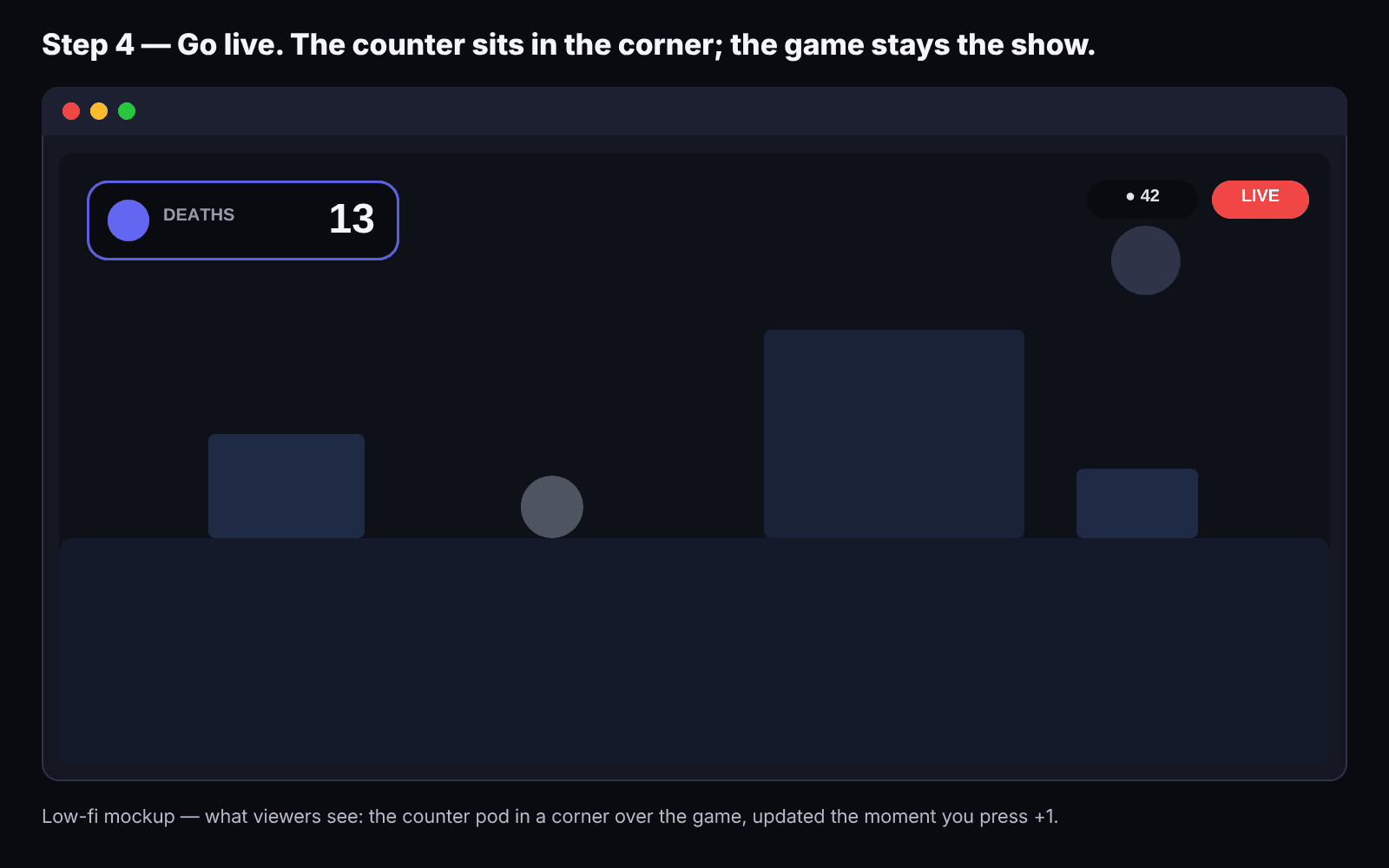
Go live. Decrement if you mis-pressed, reset between runs.
Try it — press +1
The real counter renderer on a game frame — the same one that draws on your stream.
Pro is $9/mo or $79/yr.
What's your counter actually costing you?
With 3 games and your time at $15/h: widgets come to about $58 and 2¼ hours; Streamer.bot about $68 of your time; Kloot Free is $0 and 2 minutes for one counter, Pro $79 and 2 minutes for all of them.
How we calculate
- Widget route = games × looks × $8 (midpoint of the $3.49–$18 listings) + games × 0.75 h × your hourly rate (per-widget launcher setup, from the listed steps).
- Streamer.bot route = $0 + 3 h × your hourly rate the first time (from the listed dependencies) + games × 0.5 h × your hourly rate (a new action per game).
- Kloot Free = $0 + 2 min, one counter.
- Kloot Pro = $79 + 2 min ($49 for the first 250 members), all games and looks.
- Rounded to whole dollars and quarter hours.
Who should not use Kloot
If you already run Streamer.bot with custom actions, chat triggers, and a Stream Deck profile you love, your counter is solved and you should keep it. Kloot is for the streamer who hasn't built that — or who has, and doesn't want to maintain one more action tonight. (If that's you: Kloot's counter can be bumped from a Stream Deck or Streamer.bot via a webhook, so it slots in next to your stack rather than replacing it.)
Bump Kloot from a Stream Deck or Streamer.botYour first bump is two minutes away.
Free plan, one counter, phone bump included, no card. Pro is $9/mo or $79/yr when you want per-boss segments, skins, milestones and webhook triggers — $49/yr for the first 250 members.
Free forever · Pro $9/month or $79/year · Event Pass $5 for 48 hours · Prices + applicable taxes
FAQ
Yes. The Free plan includes one counter with +1 / −1 / reset, phone bump, and the overlay. Pro ($9/mo or $79/yr; the first 250 members get $49/yr) adds per-boss segments, skins, milestones and webhook triggers. The free plan has no time limit, and the first 24 hours of Pro are free (card required).
From our product analytics: between Sep 6 and Oct 5, 2026, 56 streamers signed up after landing on a counter page and bumped a counter; the median gap between signup and first bump was 2 minutes, and three quarters did it within 5. We'll keep this updated.
Yes — it's a browser tab. Streamer.bot's own docs list macOS as experimental and unsupported; most Etsy widgets need a Node.js launcher. Kloot needs neither.
Yes, on Pro — share your deck. Your mod signs in with Google or Twitch and runs your deck from their own Kloot panel, every press signed with their name, and you can remove them any time. We won't let chat do it (StreamElements restricts !death to mods for a reason), so you, your phone and the people you invite are the only things that can change the number.
Yes, through a webhook on Pro. Every key on your deck has a URL, and counter keys take +1, −1 and reset; any tool that can call a URL can press it.
For one game and one look, yes — and if that's all you need, buy the widget. Kloot Free is $0 for one counter. Pro costs about four widgets a year at $79 (three at the founding $49) and covers every game, every style, phone bump, segments and milestones, with nothing to install or keep running.
Prices and requirements checked Oct 5, 2026. Spot something out of date? Tell us and we'll fix it.