Pro
A death count for every boss, with your PB
Name each boss or level as you reach it. The counter shows that fight's personal best, tonight's deaths and your all-time total, and a boss card slides in when you move on.
Malenia · PB 9
Deaths, kills, attempts or a goal, live on your overlay and bumped from your phone without alt-tabbing. Pro adds a personal best for every boss, milestones that stay off the game, and a +1 your mod taps from their own Kloot panel.
The real counter overlay on real gameplay — it counts the clip’s own death, kill or goal until you press a button. Switch between Kills, Deaths, Score, Wins, a swear jar or water breaks, then try it in a library look or a reacting look — both on Pro.
Mid-fight you should not be reaching for a key. On Pro, your mod taps +1 from their own Kloot panel, the number ticks on stream, and the boss’s personal best sits right under it. Kloot never reads your game, so there is nothing for a patch to break — a person presses the button, and the count is what actually happened.
Each one carries that game’s run — the bosses, levels, moons or maps you name as segments — with the counting mode, the personal-best direction and a look for it already worked out.
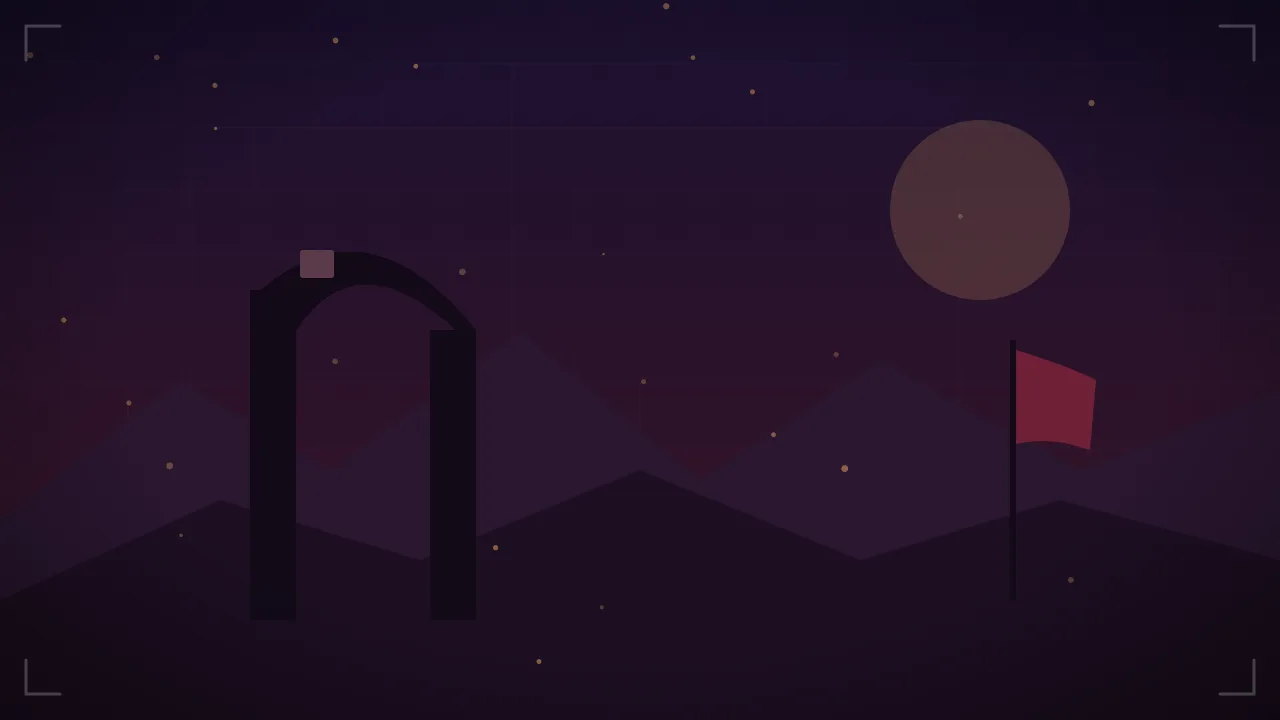
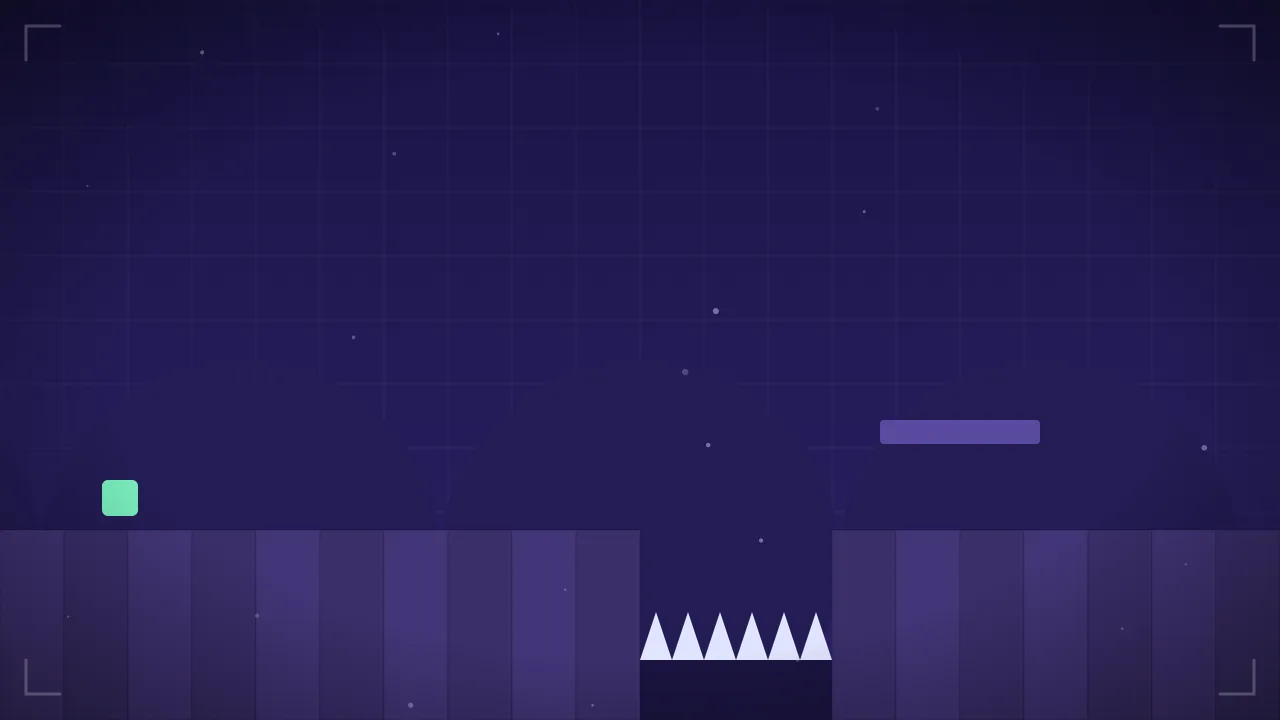
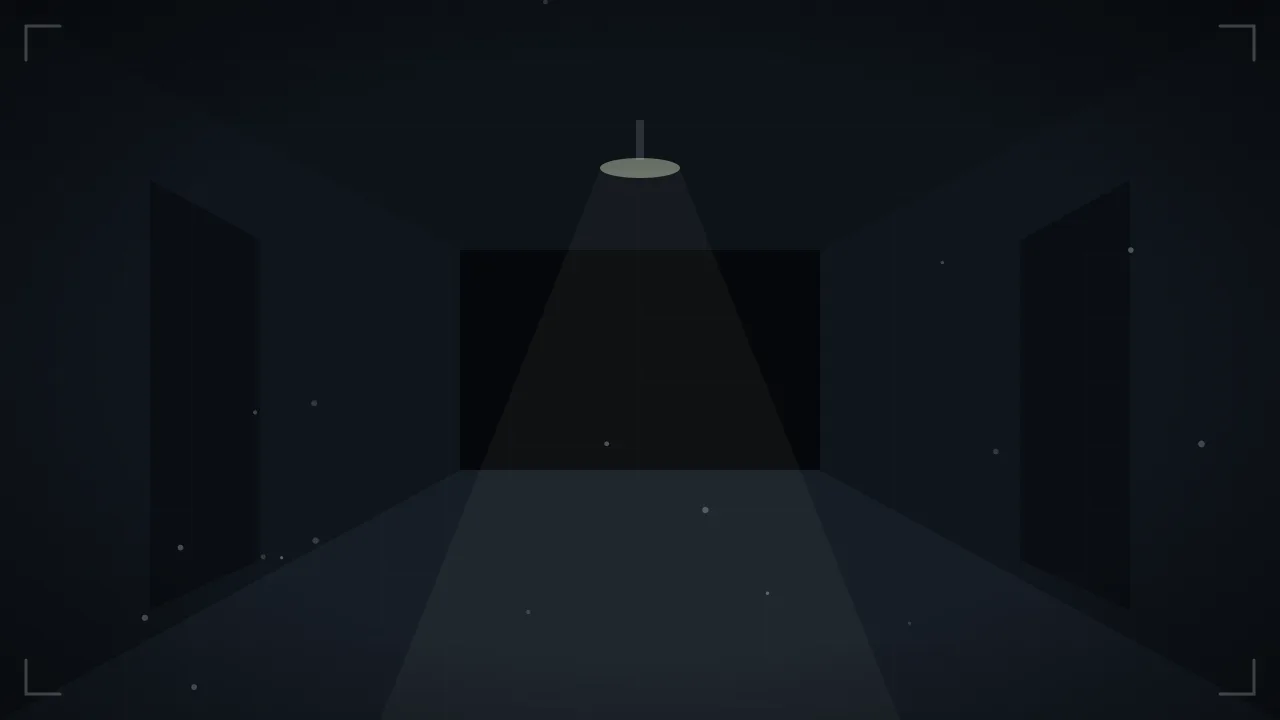
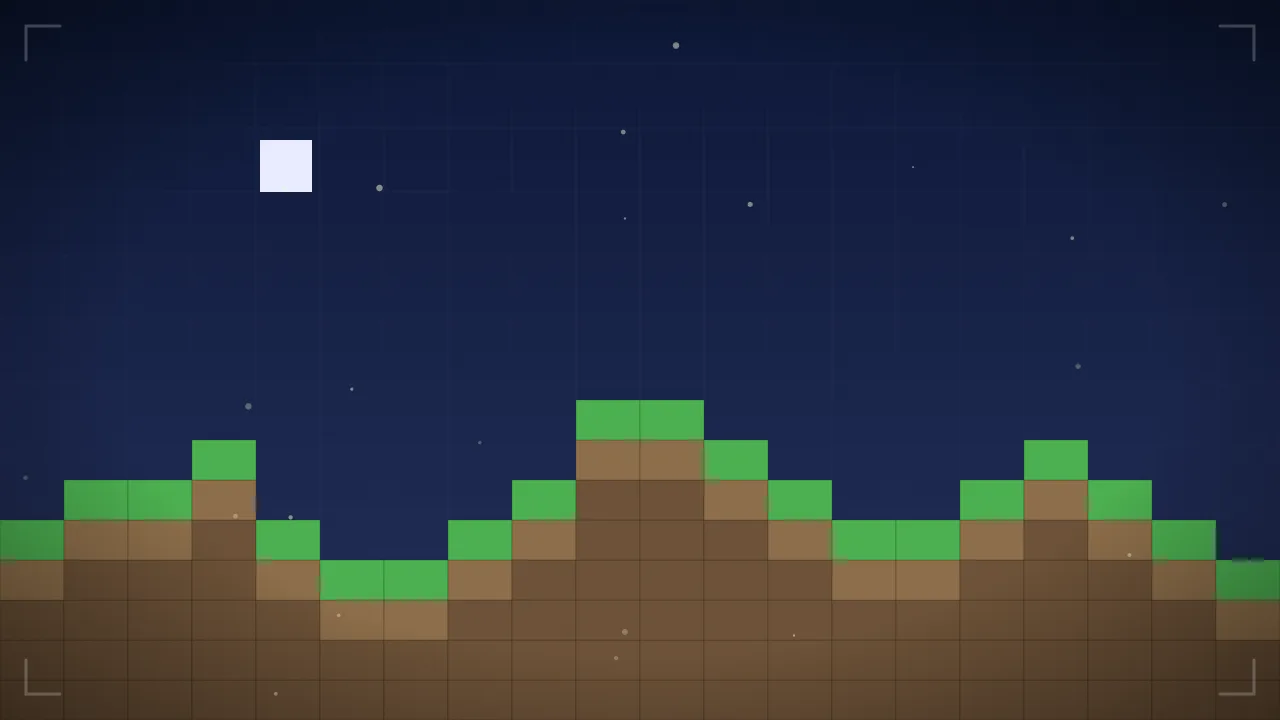
A counter can count five different ways. Pick the run you are actually doing.
The real overlay renderer in a library look, in the mode you picked.
Deaths mean more next to bosses beaten. Kills mean more next to deaths. Put three to five counters on the same overlay, give them one look, and run them all from one panel.
Soulslikes
Tactical & hero shooters
Extraction shooters
Survival horror
100+ designed counter looks, each styled for a game or a genre. Pick one in the editor and it’s on stream in a click — Pro gets every look, including looks that react to your run.
Each tile is the real counter on a stream frame, playing on its own. Press a button and it's yours.
Name each boss or level as you reach it. The counter shows that fight's personal best, tonight's deaths and your all-time total, and a boss card slides in when you move on.
Set a milestone ladder and a ribbon runs along the bottom edge of your stream each time you cross one. It plays once per run, so fixing a misclick never replays it.
No milestone yet this run
100+ designed looks — a Soulslike bell, a Minecraft-style tally, a dog tag. Pick one in the editor and it’s on stream in a click.
Attempts mode turns Reset into a new attempt and keeps the attempt number on screen. Countdown mode counts lives, rounds or pulls down to zero.
Every counter has +1, −1 and reset links. Paste them into a Stream Deck Website action or a Streamer.bot Fetch URL. No plugin to install.
Open your own Kloot panel on your phone and tap +1 or −1 without alt-tabbing out of the game. Works on the Free plan.
Add a “brought to you by” row from one of your Sponsors to a counter. The Sponsored label travels with it, and it stays in the counter's box, never over the game.
Show the count as money, $1 or $5 a death, for charity and punishment streams. It's a display format: you set the rate and the counter shows the total.
Group two to four of your counters into one scoreboard that takes a single spot on stream. Each keeps its own keys, and you still have up to 10 counters.
Count rounds down, and when the countdown reaches 0 Kloot shows the Screen you picked, once per run. Reset starts the next run.
Every counter has three links. Anything that can call a URL can press them, which means your deck already can. There is no Kloot plugin to download, because there is nothing to download.
The three links, per counter
…/v1/webhooks/counters/{your counter}/increment?token=wh_••••…/v1/webhooks/counters/{your counter}/decrement?token=wh_••••…/v1/webhooks/counters/{your counter}/reset?token=wh_••••Your real links live in Settings, with a copy button on each. Treat them like a password — anyone holding one can bump that counter — and you can roll them at any time.
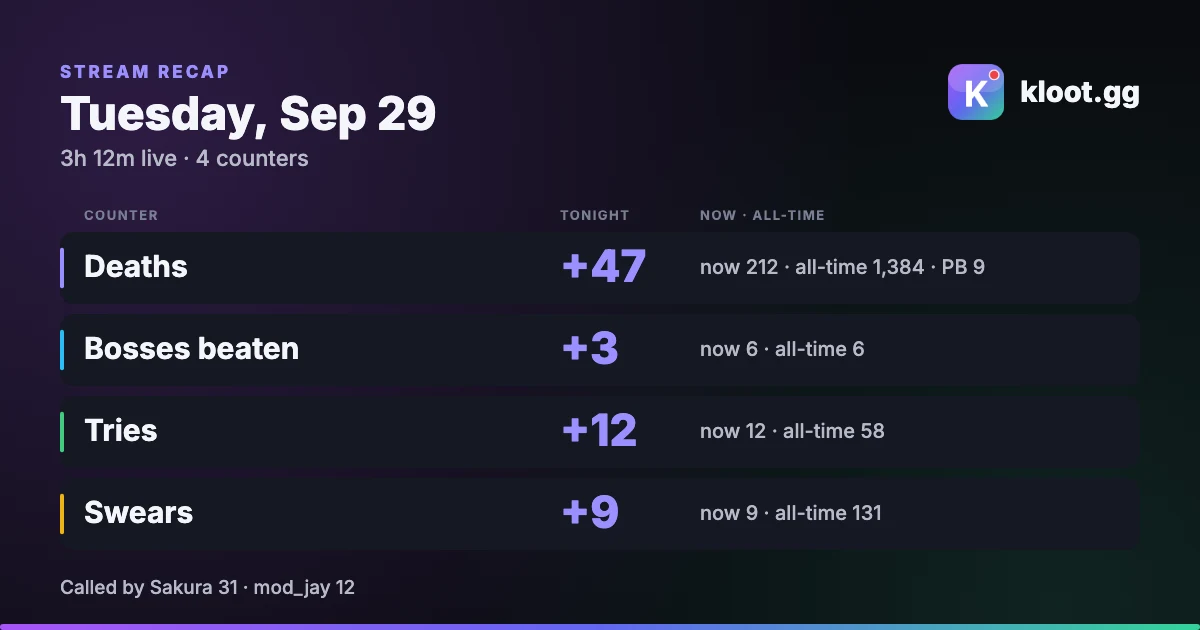
Press End session and Kloot draws a card of the stream: what each counter did tonight, where it ended, all-time and your personal best. Pick a layout for where you'll post it, then download it. Nothing is posted for you.
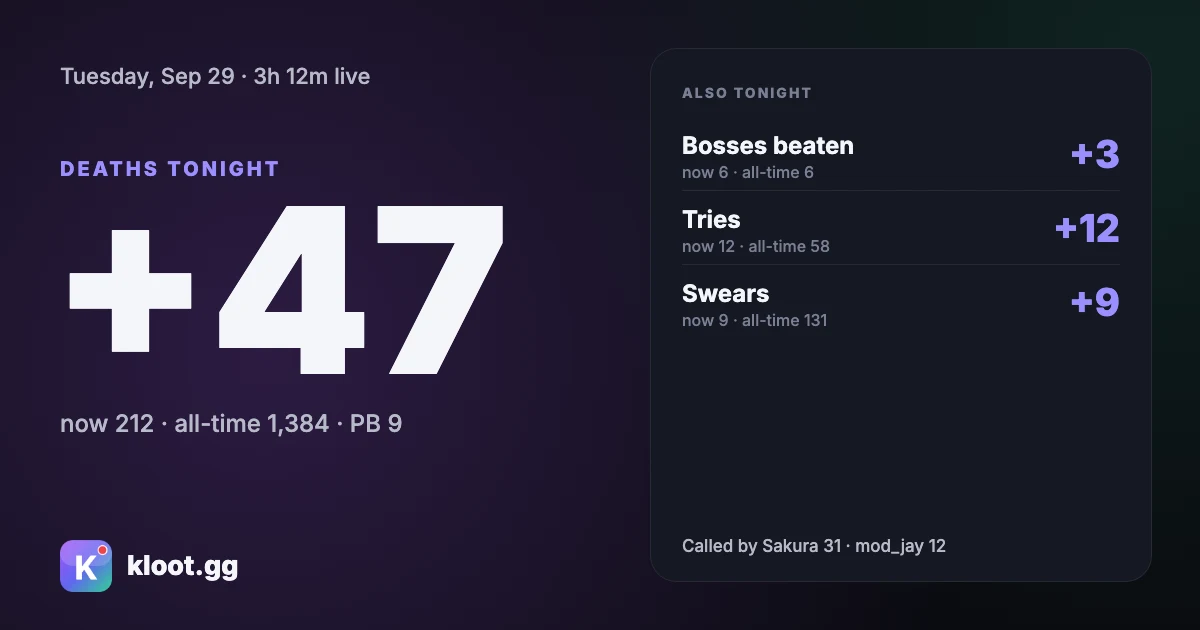
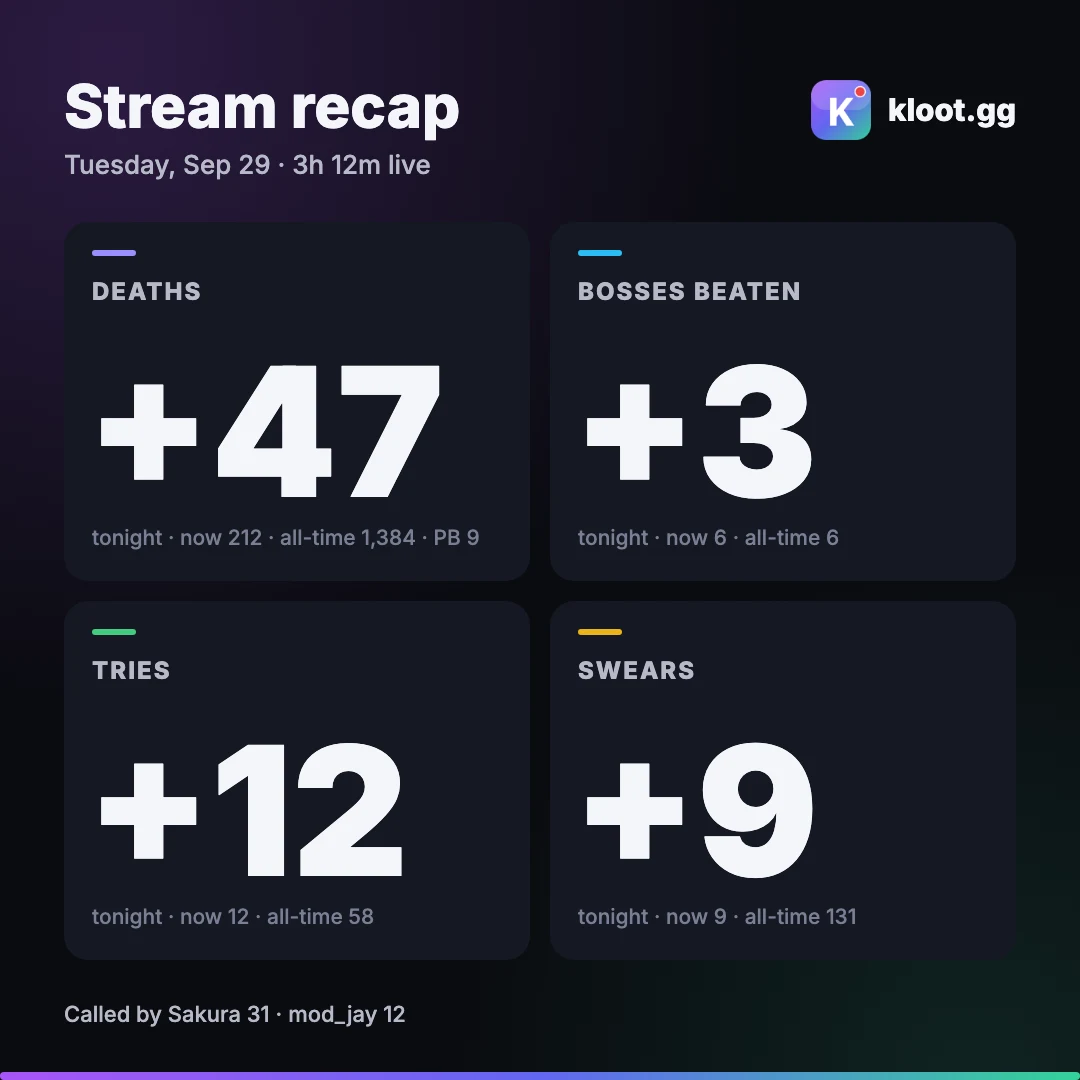
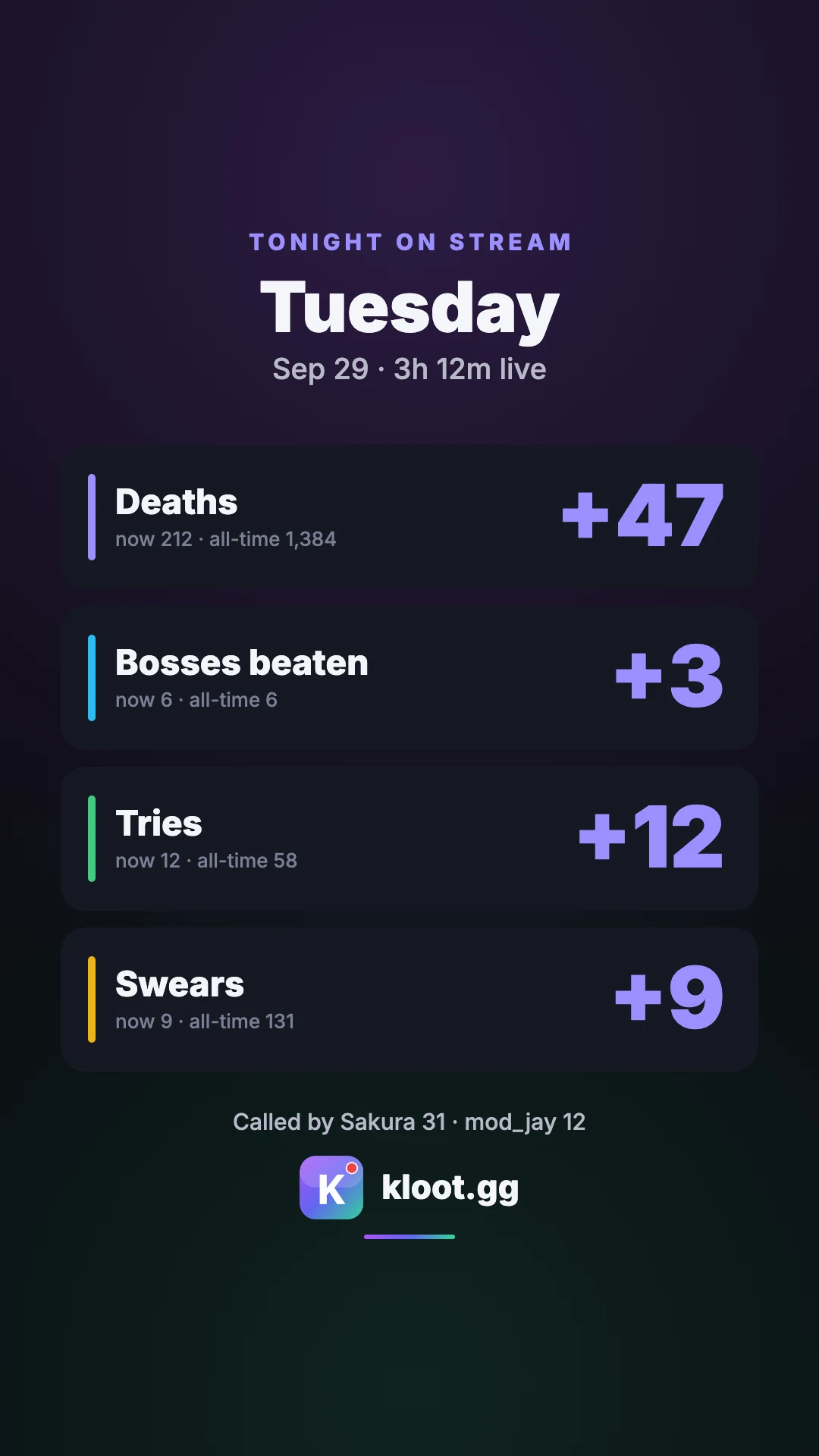
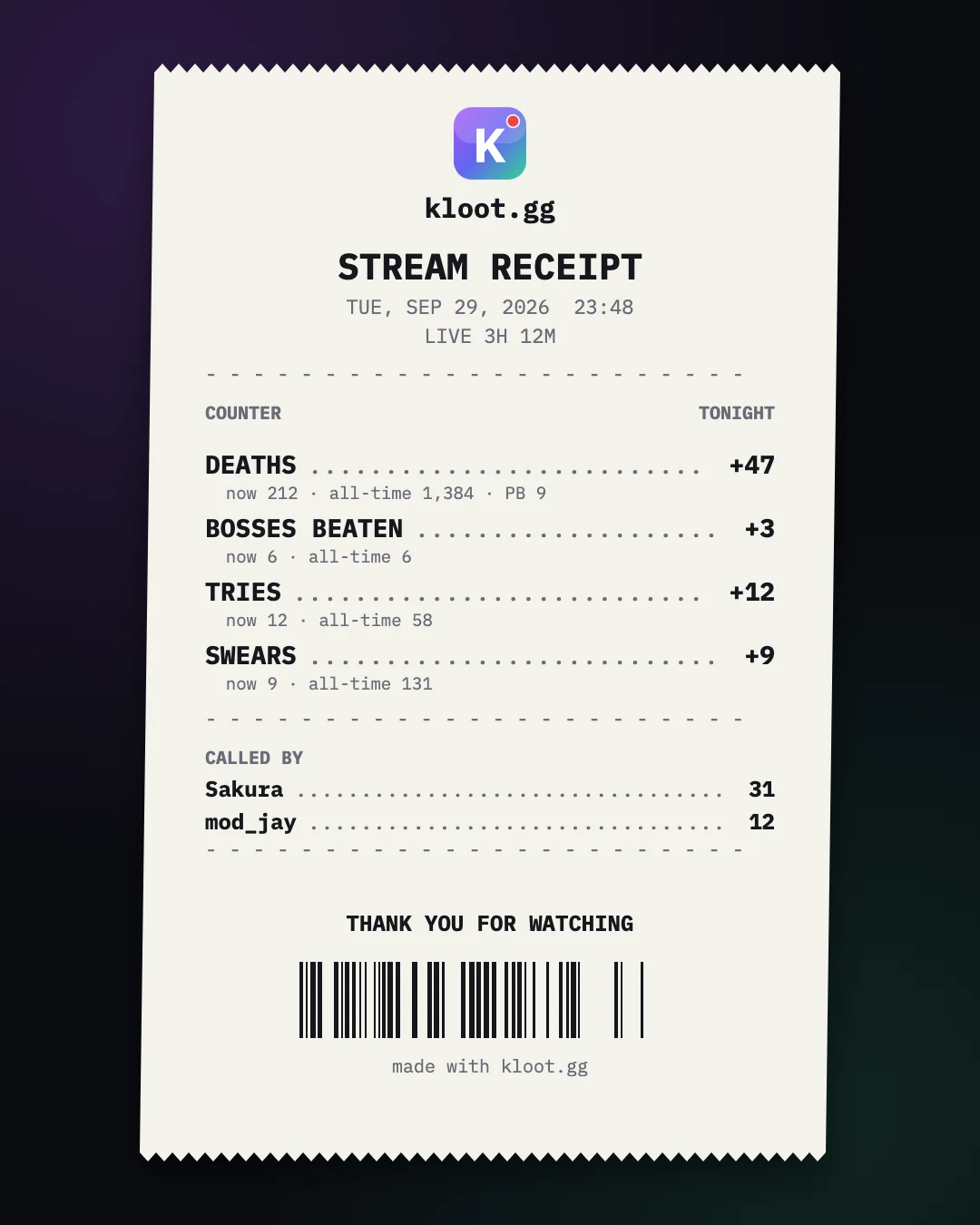
Free runs one counter at a time — build up to five, the extras save as drafts. Pro ($9/mo) runs up to 10 at once.
Every 10 deaths, or at numbers you choose, the counter grows, throws embers inside its own box, runs a ribbon along the bottom edge or pulses your Borders — once per run, never over the play area. Switch boss and a boss card can play. On Pro; Free keeps one goal with a pulse or confetti.
100+ designed counter looks — from a gothic Soulslike bell to a Minecraft-style sign — picked from a gallery by game, style or what it counts, and applied in one click. Pro looks react to your run: streak tiers light up, clutches get stamped. On Pro; Free keeps the default counter with its own colours, font, size and position.
Add a “brought to you by” row with the name of one of your Sponsors to the counter viewers already watch all stream — every death is another look at it. The Sponsored disclosure label comes with it, and it sits inside the counter’s box, never over the game. Pro.
Show the count as money for a charity or subathon bit: set “$1 per death” and 47 deaths reads $47 on stream. It is a display you set the rate for — any donation link you add stays in your panel, never on stream. Pro.
Group 2 to 4 counters — your kills and your duo’s, or wins, losses and draws — into one scoreboard box that takes a single spot on your overlay. Each counter keeps its own keys, and you still run up to ten counters. Pro.
Count down “10 bosses left” and when it reaches 0 your chosen Screen shows, once per run — a victory card the second the last one falls. Pro.
One browser source powers Counters and all 12 other tools.
One browser source powers your counters and every other tool.
Start from Deaths, Kills, Score, Wins or a custom label, set the starting value, and style it. On Pro, name your first boss and choose a milestone.
Pin +, − and reset to your deck or open the panel on your phone. On Pro, share your deck with your mod or paste a key’s URL into Stream Deck or Streamer.bot.
Fire it from
Counters are free to start. Pro gives it a look for your game, remembers the run, gives your mod the +1, adds looks that react and puts stakes on the number. Pro runs up to 10 counters.
Build up to 5 on Free, 10 on Pro; on Free the extras save as drafts until you swap one live.
How to set it upBump the count from your own phone while the game keeps focus. No alt-tab.
How to set it upSee itStart from Deaths, Kills, Score or Wins, and celebrate once when you hit the target.
How to set it upMatch your overlay and park the number where it clears the game HUD.
Free overlays carry a small Kloot badge. Paid plans remove it.
Name each boss or level and see “Malenia 14 · PB 9” — fewest deaths or most kills.
How to set it upSee itPress Start session when you go live and show tonight’s count beside the all-time total.
How to set it upSee it“Attempt 37”, a best streak, “10 bosses left”, or a live K/D from two counters.
See itEvery 10 deaths, or numbers you pick: grow, embers, a bottom-edge ribbon or a Borders pulse — once per run, never over the game.
How to set it upSee itLooks made for your game — a Soulslike bell, a Minecraft-style sign, a dog tag — picked by game, style or what it counts, applied in one click.
See itPro looks light streak tiers, stamp clutches and count a day on their own clock as the run goes.
See itOr keep your own counter and style its number: tally marks, icons, odometer or LCD digits.
The number heats up near the next milestone and glows when the presses come fast.
Your mod runs your deck from their own Kloot panel after signing in with Google or Twitch. Every press is signed with their name; remove them any time.
How to set it upSee itEvery key on your deck has a URL; counters take +1, −1 and reset. Paste it into a Website action or Fetch URL. Nothing to install.
How to set it upSee itShow “$1 per death” as $47 on stream for a charity or punishment bit. Display only.
How to set it upSee itPut a sponsor’s name and its Sponsored label inside the counter viewers watch all stream.
How to set it upSee itWhen the countdown reaches 0, your chosen Screen goes up — once per run.
How to set it upSee itGroup 2–4 counters into one box in one spot; each keeps its own keys.
How to set it upSee itThe free counter first, then every mode, look, helper and stake on Pro.
Add a kill counter
100+ counter looks for your game (Pro)
Run your counters together (Pro)
A recap card of tonight’s counts (Pro)
A death counter per boss, with a PB (Pro)
Milestones that stay off the game (Pro)
A kill / death scoreboard (Pro)
Let your mod press your keys (Pro)
A charity counter: money per death (Pro)
A countdown that drops your BRB screen (Pro)
Anything you can press a button for — deaths, kills, score, wins, attempts, or a goal. Start from a template or type your own label. On Pro a counter can also count attempts, a streak, a countdown or a ratio such as K/D.
Yes, on Pro — share your deck. Invite your mod by name and pick a role: Operator fires keys, counters and screens; Editor also adds and edits tools, looks and text. They sign in with Google or Twitch, your deck shows up as a tab in their own Kloot panel, and every press is signed with their name. Remove them any time. Pro shares with up to 5 helpers.
Yes, on Pro. Every counter has +1, −1 and reset trigger links that work from Stream Deck’s built-in Website action or Streamer.bot’s Fetch URL, with nothing to install. On every plan you can also bump it from the keys on your browser deck or from your phone. With the Kloot plugin, your whole deck can also go on a Stream Deck, with each counter key showing its number.
Yes, on Pro. Name a segment for each boss or level and each one keeps its own count and personal best — fewest deaths for a death counter, most for kills or score. You start and end a session yourself, and while one is running the counter can show tonight’s count next to the all-time total. All-time counts from your first press.
No. Milestone effects draw inside the counter’s own box, along the bottom edge of the frame, or as a pulse on your Borders, and each milestone plays once per run. The play area is never drawn over.
No, and that is on purpose. You, your mod or a Stream Deck key press the button, so it works with any game, emulator or speedrun and nothing breaks when a game patches.
Yes, on every plan. Open your own Kloot panel in your phone’s browser, signed in as you, and tap +1, −1, reset or show/hide while the game keeps focus.
Yes, on Pro. Press End session and Kloot draws a recap card of that session: each counter’s change tonight, where it ended, all-time and personal best, and the helpers who pressed. Pick one of five layouts sized for X, Discord, Instagram or Stories, then download it. Kloot never posts it for you.
Yes, on Pro. Pick from 100+ designed counter looks — search by game, style or what it counts — and apply one in a click. 16 games have looks styled for them; the rest take a look from their genre, such as a Soulslike or battle royale look. Pro adds looks that react to your run. Free keeps the default counter, with its own colours, font, size and position.
Yes. Free runs one counter live; Pro runs up to 10 at once, all from the one overlay URL, and counters that share a corner stack instead of overlapping. On Pro, 2–4 of them can share one scoreboard box. Which counters to run together for your game is at kloot.gg/counters/collections.
Free runs one counter live at a time with +1, −1, reset, one goal with a pulse or confetti, and your phone as a remote; build up to five and the extras save as drafts. Pro ($9/mo or $79/yr) runs up to 10 counters at once and adds the library of 100+ counter looks, including Pro looks that react to your run, per-boss personal bests, sessions, attempts, streak, countdown and ratio modes, milestones, sharing your whole deck with up to 5 helpers, a URL on every key for Stream Deck or Streamer.bot, scoreboards, a sponsor row inside the counter, money display and a Screen when a countdown hits zero, and removes the Kloot badge. No plan runs more than ten counters.
Works alongside everything you already use


Sign in, paste one overlay URL, and fire it on stream. Free to start — a Kloot badge until you upgrade.
Free forever · Pro $9/month or $79/year · Event Pass $5 for 48 hours · Prices + applicable taxes