Most live podcasts are not streamed from OBS. They are streamed from a studio: StreamYard or Riverside in the browser, Ecamm Live on a Mac, sometimes OBS when someone on the team likes knobs. Which one you use decides what you can put on screen far more than any overlay product does, so this post starts there.
I have never hosted a podcast, and we make one of the tools below. So this does not rank anything. It lists what each studio says it can do, read off its own pages on 10 October 2026, and is plain about the setups where ours does not fit at all.
Five things a live podcast puts on screen
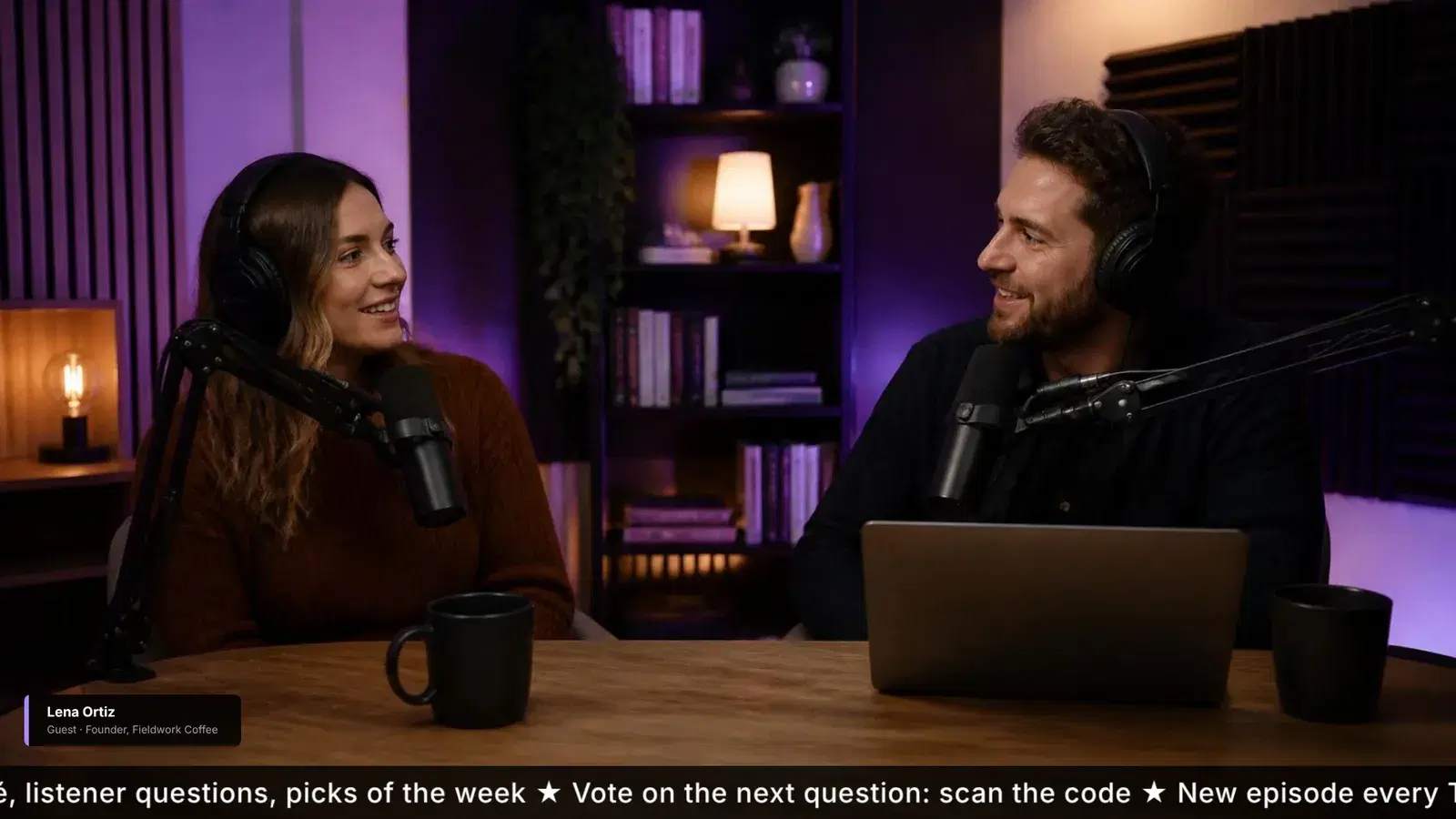
- A name tag for whoever is talking, especially the guest the first time they speak.
- A segment card that says which part of the show this is, and a clock for it.
- A topic ticker, for the people who arrive twenty minutes in and want to know what they missed.
- A sponsor read that looks like a sponsor read, and runs as long as you told the sponsor it would.
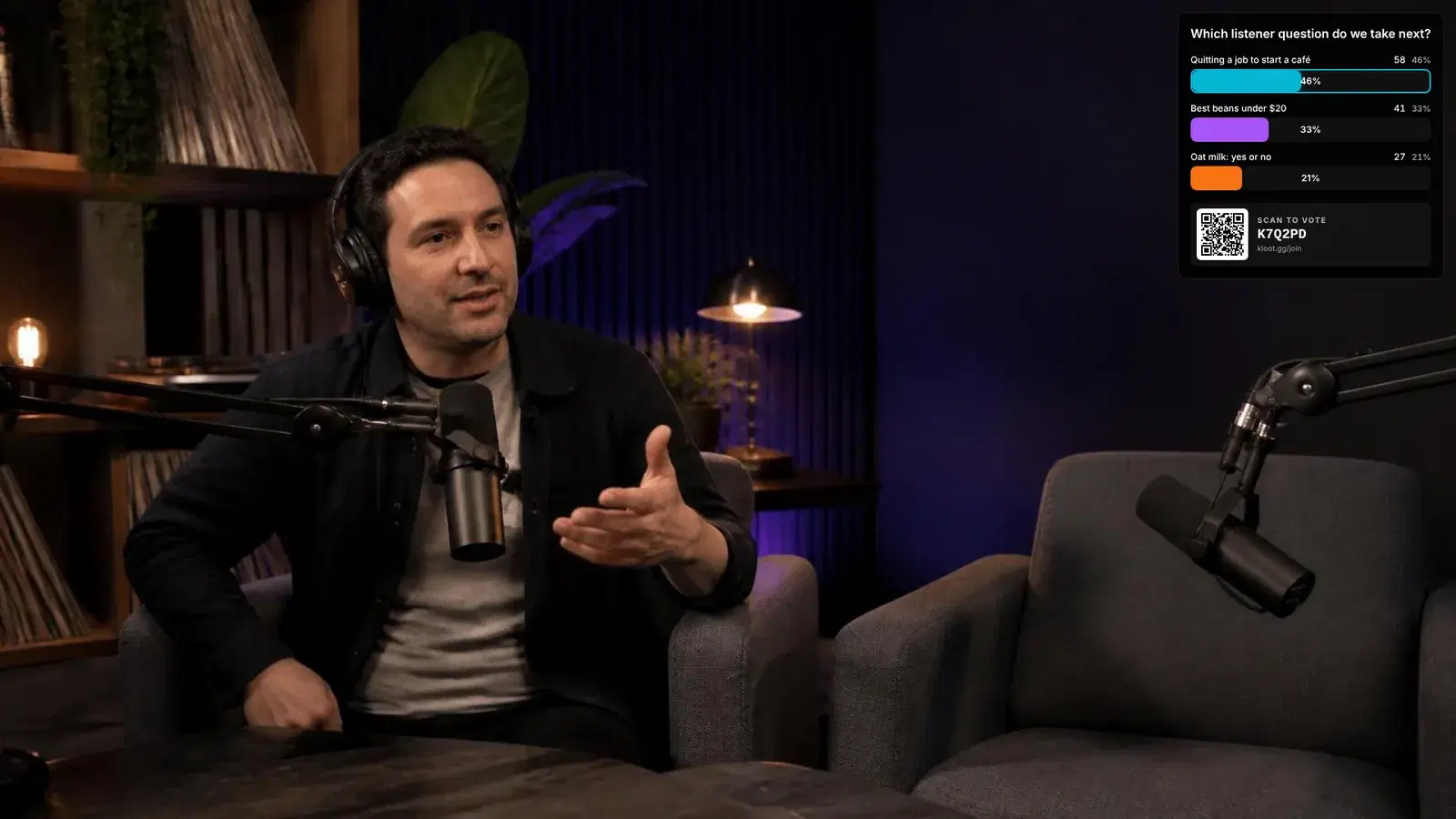
- Something for the audience to do: a poll, a question, a way in that is not just typing in chat.
The first one is a graphic. You make it once per guest and every studio on this list can show it. The other four change while you are live, and that is where the studios stop being interchangeable.
What each tool actually does
| Tool | Where it runs | What it can put on screen | Cost (Oct 2026) |
|---|---|---|---|
| StreamYard | Browser studio | Your logo, one image or video overlay at a time, text banners that work as simple lower thirds or a ticker, and a chat overlay | Free with a StreamYard logo; Core $35.99/mo yearly or $44.99 monthly |
| Ecamm Live | Mac app | Logo and graphics, countdowns, scrolling tickers, viewer comments on screen, and transparent web widgets added by URL | Subscription, with a 14-day trial |
| OBS Studio | Windows, macOS, Linux | Anything you can build from sources, including web pages as browser sources | Free and open source |
| LiveReacting | A browser source in OBS, StreamYard, Ecamm and others | Trivia, polls and giveaways that viewers answer by commenting | OBS integration on paid plans, from $19.99/mo |
| Kloot (ours) | One browser source in OBS or Streamlabs Desktop | Lower thirds, segment screens with a clock, a ticker, polls viewers answer by QR, and sponsor overlays | Free plan; Pro $9/mo |
StreamYard is the quickest route to a show that looks finished, and its banners handle name tags well. Its own guide is clear about the limit, though: "You can display only one overlay at a time on stream." Neither that guide nor its pricing page mentions a clock or a poll. Ecamm goes further, with countdowns, tickers and comments on screen, and it accepts web widgets by URL, which matters later.
Which one fits which show
If your show is a conversation with one guest, no sponsor and no segments, use the banners in your studio and stop. A name tag and a logo are all that format needs, and adding more software to a two-person chat is a cost with no audience-facing return.
If you are on a Mac and want viewer comments on screen as part of the show, Ecamm does that natively. If the show has structure, with segments, a sponsor read, a guest who should know how long they have, then you are looking at OBS with browser sources, and most of what you will be building is a clock.
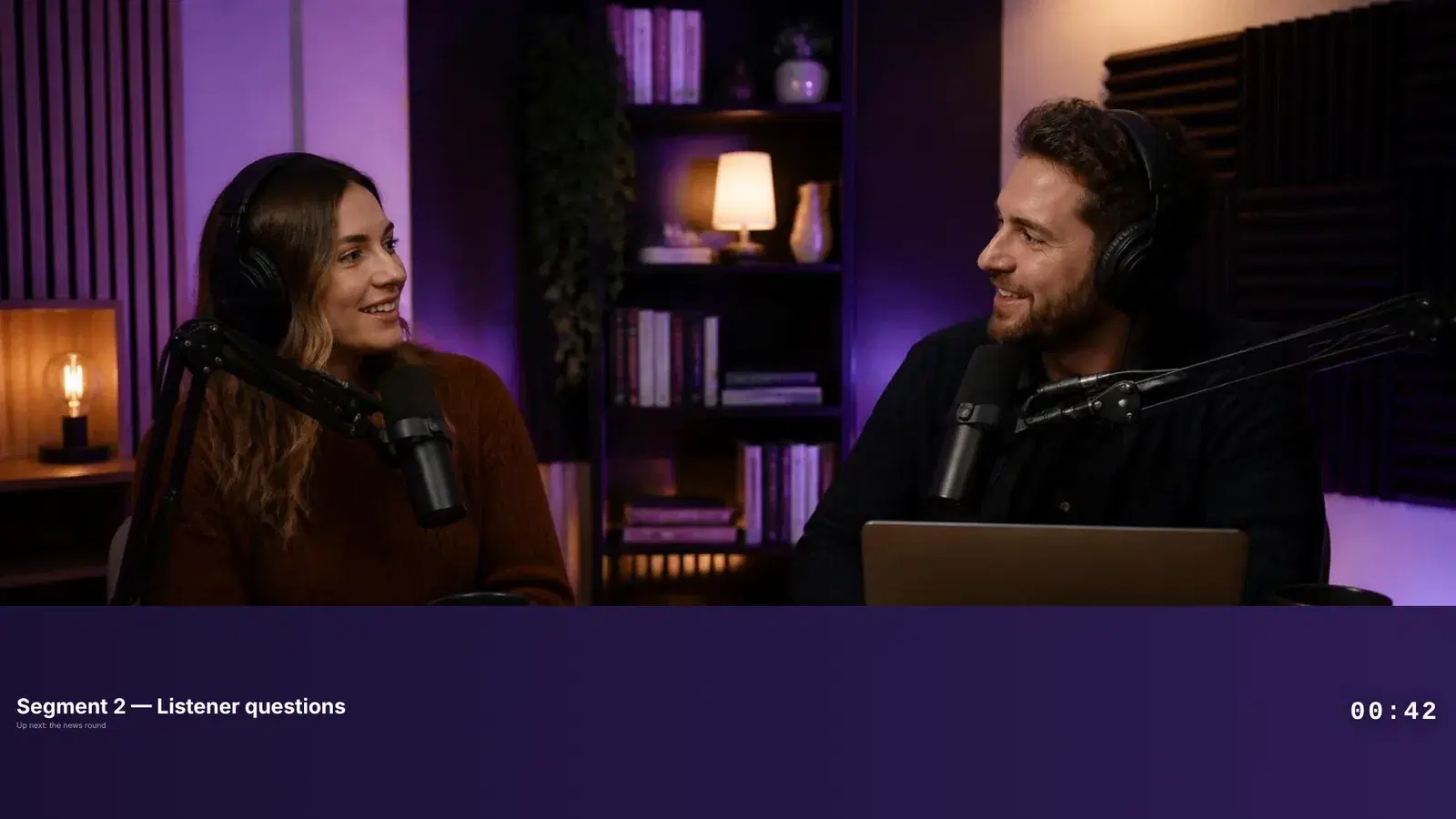
The clock matters more to the guest than to the audience. A guest cannot see your rundown, so the only signal they get about time is your tone. A clock on screen tells them they have four minutes, and they give you a four-minute answer. The layout matters too: on a podcast the faces are the content, so a band along the bottom beats a card in the middle.
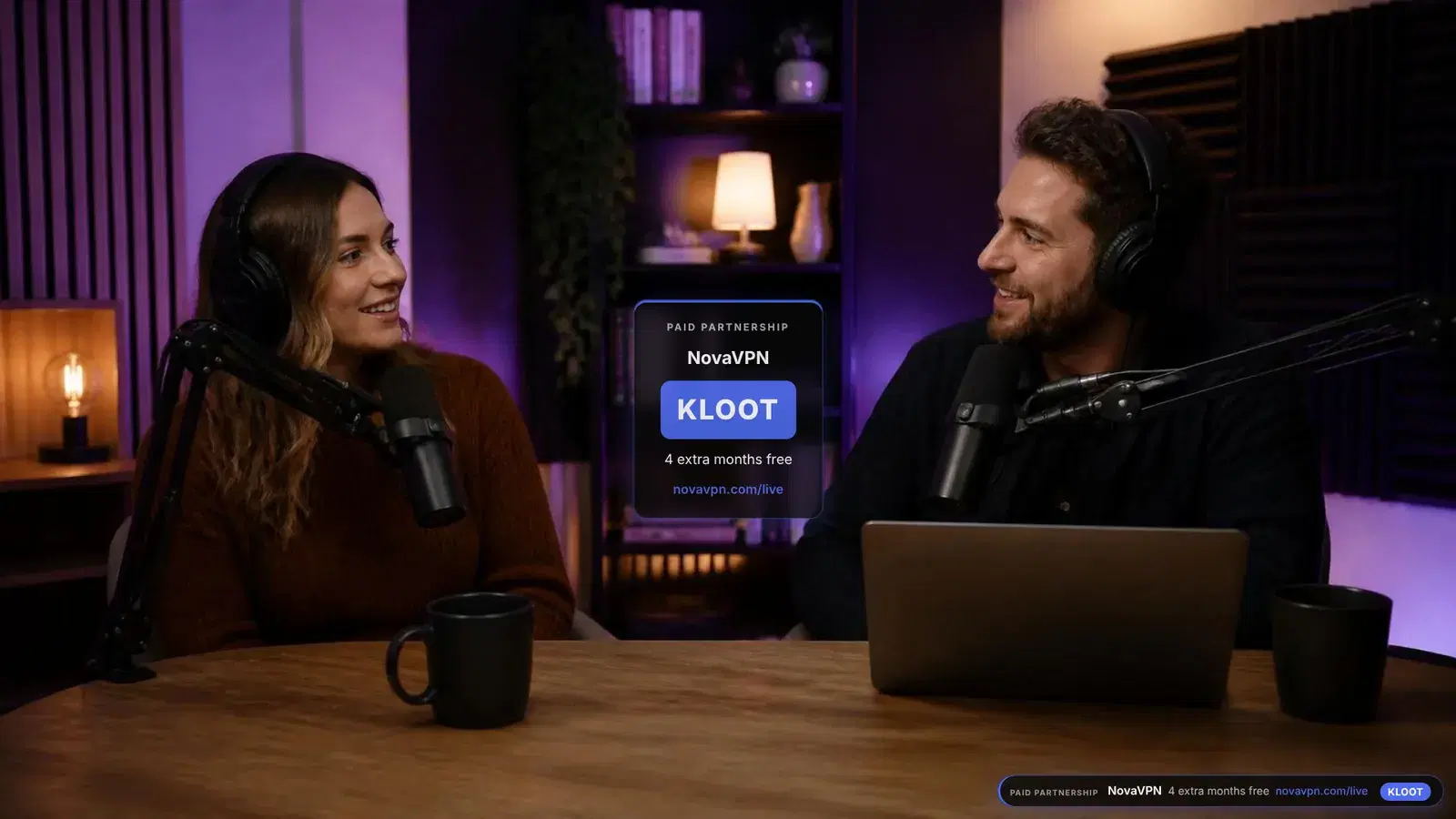
The sponsor read is the segment where the clock earns its money. You told the brand it would run about a minute, with their code on screen while you talk. A read that has its own card and its own clock runs a minute, shows the code the whole time, and ends cleanly enough to clip. One that lives in the host’s head runs long, loses the code halfway, and bleeds into the next topic.
A segment that hands off to the next
A band keeps your guests on screen. At zero it hands off to the next segment by itself.
Press it and wait. When the clock reaches zero the next segment comes up by itself, which on Kloot happens from your control panel, so the panel has to be open, on any tool. The band and the hand-off are both on Pro.
Audience participation is where the studios stop
StreamYard and Ecamm can both put a viewer comment on screen, and on a good show that is a lovely moment. It is also participation for exactly one person. A poll lets the whole room answer at once, and the result is something the hosts can react to, which is the point of being live rather than recorded.
How people answer matters more on a podcast than on most streams, because a lot of the audience is half-watching on a TV or a phone with chat closed. A code on screen that a phone can scan reaches them. A chat command does not.
Two people, one show
The other thing a structured show needs is a second pair of hands. A host who is also running graphics is doing production in their head while trying to listen. On Kloot Pro you can share your deck with a co-host or a producer, who signs in with Google or Twitch and runs it from their own Kloot panel. They never see your billing, your plan or your overlay link.
Where we are the wrong answer
If you stream from StreamYard or Riverside in a browser and have no plans to touch OBS, we are not for you today. Kloot is a browser source, and StreamYard’s overlays are images and videos. Ecamm accepts web widgets by URL, so it may well work there, but we have not tested it, and we are not going to promise something we have not seen.
Kloot also does none of the studio’s actual job. It does not record, mix audio or bring remote guests into a call. If your guests join from home, you still need a way to get them into OBS. What we do is the layer on top: what the audience sees change while you talk.