Search for the best overlay tool for streaming and you get a list of design tools: template makers, overlay packs, a suite or two. They are good lists. They are also answering a narrower question than the one in the search box, because "overlay" covers two different jobs, and almost every list only covers the first.
I should say up front that we make one of the tools below, which is a conflict of interest. So this does not rank anything. It explains the two jobs, says what each tool does as its own pages described it on 10 October 2026, and is plain about where ours is the wrong choice.
Two jobs hiding under one word
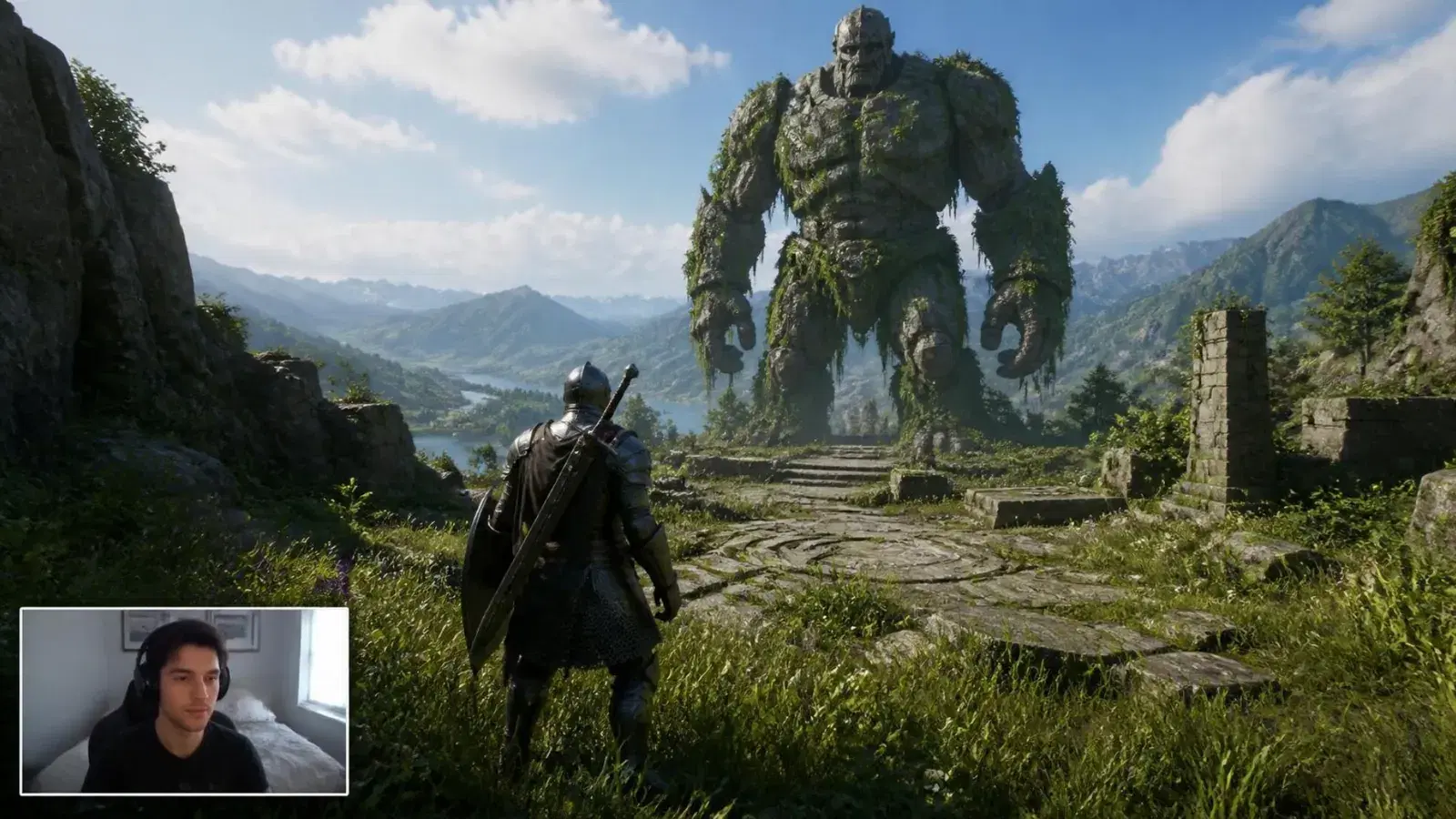
The first job is how your stream looks: the frame around the game, the webcam border, the style of the alert when someone follows, the starting-soon art. You set it up once and it stays the same all stream. Call it the look layer.
The second job is what your stream does: a poll filling up while the room votes, a death counter going from 46 to 47, a giveaway with a QR code on screen, a break screen whose clock actually counts down. It changes during the stream because you, or your audience, did something. Call it the live layer.
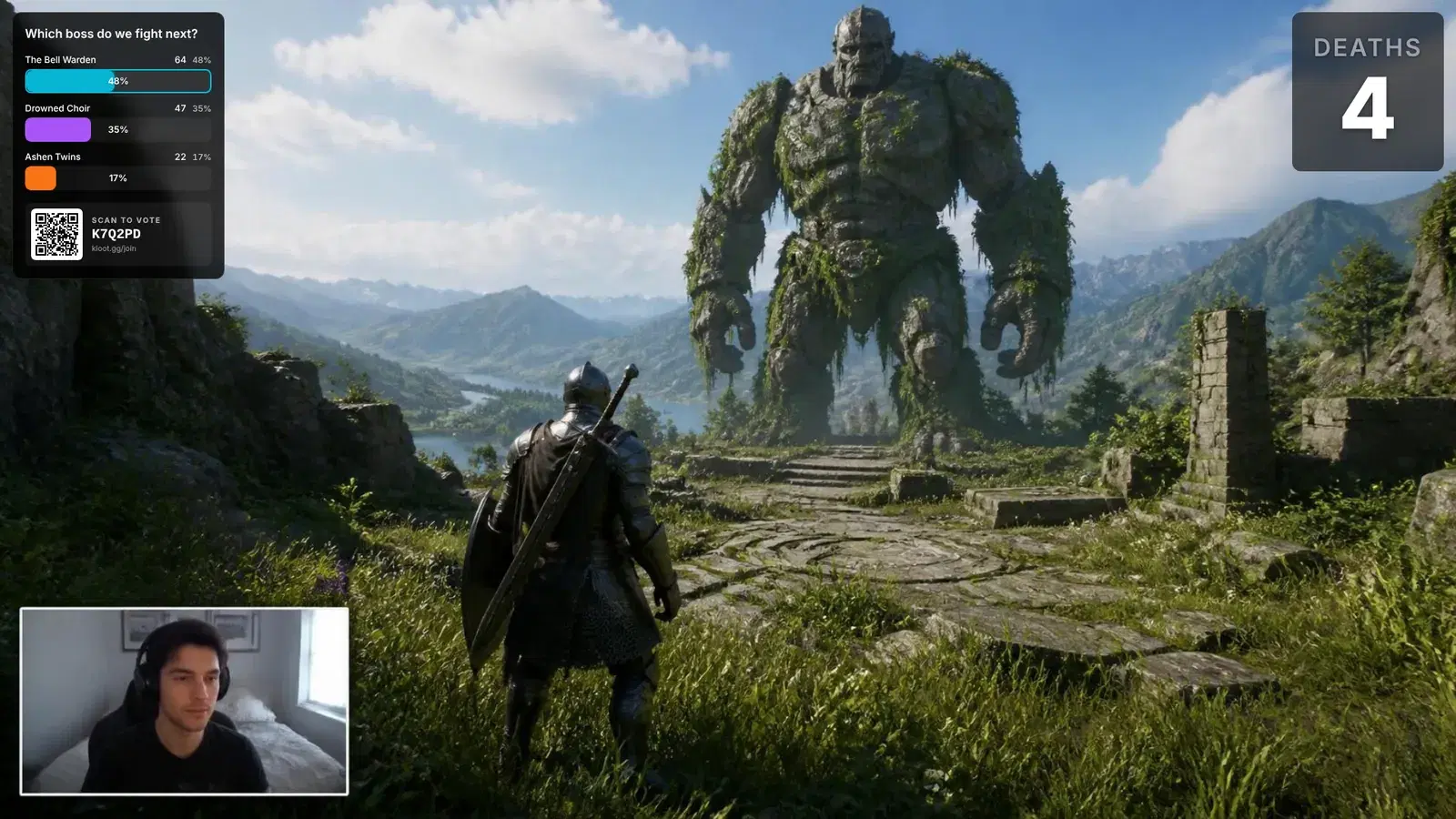
Most "best overlay" lists are lists of look-layer tools. Restream’s widely linked roundup names nine tools, from Canva and Placeit to Nerd or Die and Visuals by Impulse, and none of them runs a poll, a giveaway or a counter. That is not a flaw in the list. It is a list of design tools, and the search box was asking two questions at once.
What each one actually does
| Tool | What it is | Layer | Cost (Oct 2026) |
|---|---|---|---|
| StreamElements | Free alerts, overlays and a visual editor; an OBS plugin, SE.Live; a chat bot | Mostly look | Free |
| Streamlabs | Free desktop app with Alert Box and widgets; Ultra unlocks the full theme library | Mostly look; alerts react to tips, follows and subs | Free; Ultra $27/mo or $189/yr |
| OWN3D | Overlay and alert packs as one-time purchases; a Pro subscription with an overlay maker | Look | Per pack, or Pro billed quarterly |
| Nerd or Die | Overlay packs, alerts, stingers and webcam frames for OBS, Streamlabs and StreamElements | Look | Per pack |
| LiveReacting | Trivia, polls and giveaways as a browser source; viewers answer by typing in chat | Live, through chat | OBS use on paid plans, from $19.99/mo |
| Kloot (ours) | One browser source for polls, giveaways, counters, screens, effects and sounds, fired from a deck on your phone | Live, not through chat | Free plan; Pro $9/mo |
The first four are very good at the look layer, and two of them are free. The suites also do one live thing extremely well: Streamlabs’ Alert Box listens to your channel and thanks a new follower or subscriber the moment they arrive, with nobody pressing anything. Keep that in mind, because it is the clearest case where we are the wrong tool.
Which one fits which job
If you are new and want your stream to look finished, take a free suite and a free or cheap pack and stop there. Nothing in the live layer matters until people are watching, and a stream that looks deliberate is the better first evening of work.
If the look is done and you want the stream to react, the deciding question is who takes part and how. A chat-based tool like LiveReacting asks viewers to type an answer, which is fast for people who already have chat open. It does not reach people who are watching full-screen on a phone or a TV, and it depends on which platforms that tool connects to. A tool where viewers scan a code reaches anyone who can point a phone at the screen, on any platform, which is the trade we made.
The other constraint is your hands. Live-layer tools are fired at moments, and the moments happen mid-match or mid-sentence. If firing one means alt-tabbing into a dashboard, you will stop doing it within a week. Whatever you choose, check where the button lives. Ours lives on a deck you can open on your phone, so the game keeps focus.
A break screen is the easiest place to see the difference. The look-layer version is a still image that says "be right back". The live-layer version knows when you are back, counts down to it, and gives the room something to do while they wait.
A break screen that does something
The join QR and the entry count, down the side. Sample numbers; the block is real.
They stack, so you do not have to choose
The useful thing about splitting the word is that the two layers do not compete. A live tool sits on top of whatever pack you already have. Kloot is one browser source added to your scene; your frame, your borders and your alert art stay exactly where they are. If your pack came with transparent WEBM alerts, you can even put those on a deck key and fire them yourself.
What "free" means on each of them
Free means different things here. StreamElements and Streamlabs give the overlay away because it leads into a bigger product, the tipping, the bot, the paid theme library. Packs are a one-time purchase, which is honest pricing for something that does not change. LiveReacting has a free plan, but its own pricing page lists the OBS integration only on paid plans. Kloot’s free plan runs 2 screens, 1 counter, every hype effect, one each of alert, lower third, text, ticker and border, and 2 giveaways plus 2 polls a month, with a Kloot badge on the overlay.
None of which should decide anything on its own. The cheapest overlay is the one already in your scene. The question is only whether it does the job you are now trying to do.
Where we are the wrong answer
Kloot is not a chat bot and is not connected to your channel’s events. Nothing fires because someone followed or subscribed; every alert, poll and effect fires when you or a mod press a key. If you want alerts that fire by themselves, Streamlabs’ Alert Box is free and does that well, and it runs happily alongside us.
We are also not a design marketplace. If what you want is a complete themed scene pack for a specific game, built by an illustrator, buy it from OWN3D or Nerd or Die. And if your stream is a dozen regulars who all live in chat, a chat-based live tool is perfectly good and you do not need a phone in the loop at all.