Use CasesBrand Partnerships
๐Ÿ’ผ

Monetize your stream with sponsor-grade tools.

Run sponsor banners and promo-code callouts with a built-in "Sponsored" label. Professional tools for streamers who work with brands.

For: Sponsored streamers, affiliate marketers, brand ambassadors, influencer managers

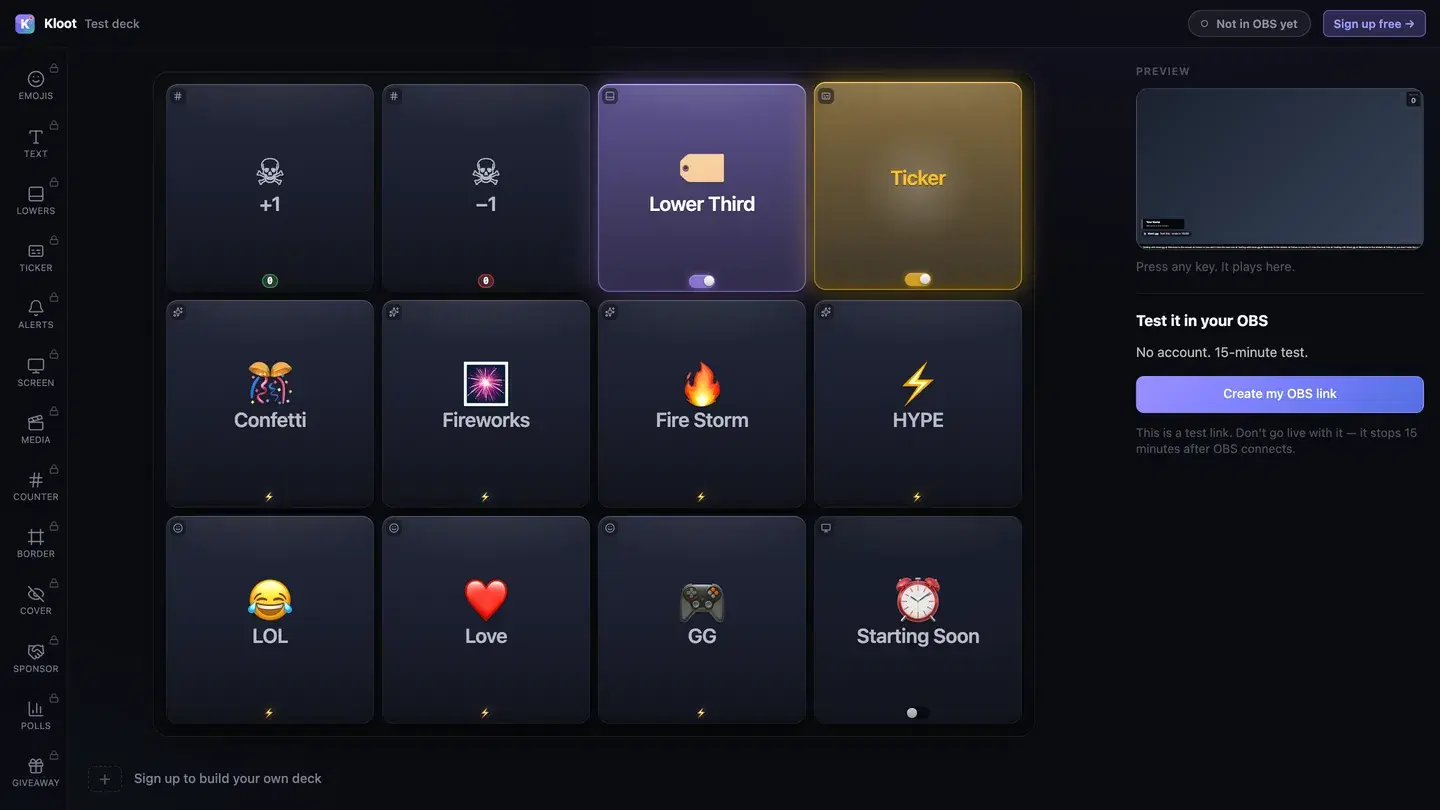
Control Deck

LIVE๐Ÿ‘ 1,248

Sound familiar?

The Problem

โœ•

Sponsors want proof their ads ran at the right time for the right duration

โœ•

Manually toggling sponsor overlays mid-stream is unprofessional and error-prone

โœ•

No centralized way to manage multiple sponsor obligations per stream

โœ•

Promo codes and CTAs get lost in chat โ€” they need persistent on-screen placement

With Kloot

Always-on sponsor banner plus a one-tap promo-code callout โ€” dark, light, or brand themes

Callouts pop the code on screen for their set duration, then hide โ€” the code gets exactly its moment

Promo codes displayed prominently with the brand name, tagline, and CTA

A built-in "Sponsored" label covers FTC/ASA disclosure, and the activity feed shows what fired and when

Built for brand partnerships

The Kloot tools that matter most for your workflow.

๐Ÿ’ฐ

Sponsor Ads

Brand name, tagline, promo code, CTA โ€” banner + callout

โฑ๏ธ

Code Callout

Pops the code on screen on cue, hides after its set duration

๐Ÿ–ผ๏ธ

Asset Upload

Upload sponsor logos and images (2MB)

๐Ÿ“‹

"Sponsored" Label

Built-in FTC/ASA disclosure label โ€” compliance by default

๐Ÿ“ฐ

Ticker Integration

Sponsor mentions in scrolling ticker

๐Ÿ”˜

Saved Ads

Save ready-to-fire ads per sponsor for quick triggering

Your workflow, step by step

From setup to live โ€” here's how it goes.

1

Set up sponsor ads

Create an ad per sponsor: brand name, promo code, logo, CTA. Set how long the callout stays on screen.

2

Toggle the banner

One tap puts the sponsor banner on stream; it stays up until you toggle it off. The "Sponsored" label handles disclosure.

3

Fire callouts on cue

Say the brand name, tap the callout โ€” promo code, logo, and CTA hit the screen at the exact moment it matters.

4

Wrap up the recap

After the stream, screenshot the activity feed โ€” what fired and when โ€” and send it with your sponsor recap.

Ready to go live?

Monetize with Kloot

Free tier gets you effects, giveaways, and overlays. No credit card. Setup takes 90 seconds โ€” your viewers notice the difference tonight.